

The Experience Designer is in Preview. It’s rolling out gradually - if you don’t see Designer in the admin sidebar yet, contact support.
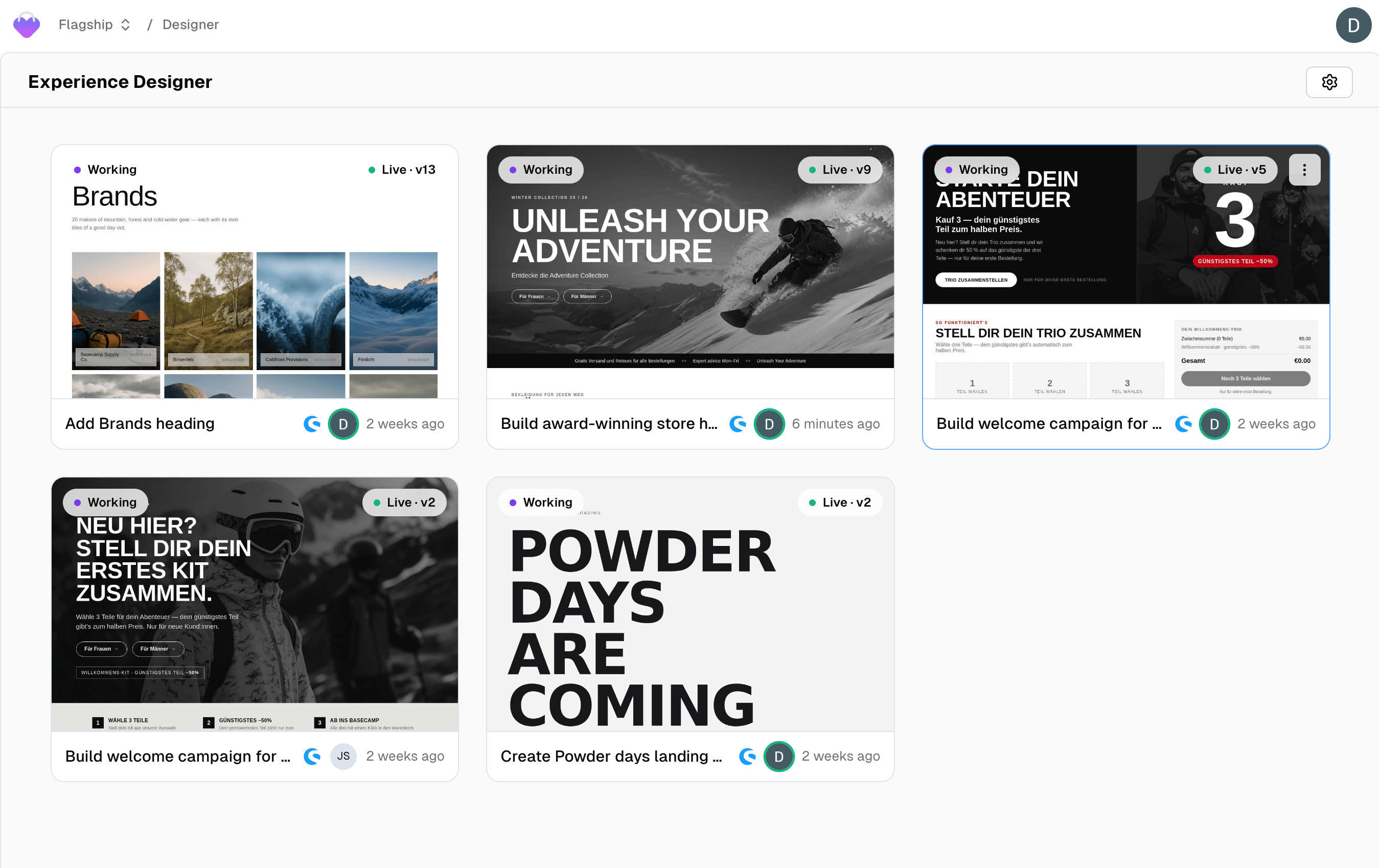
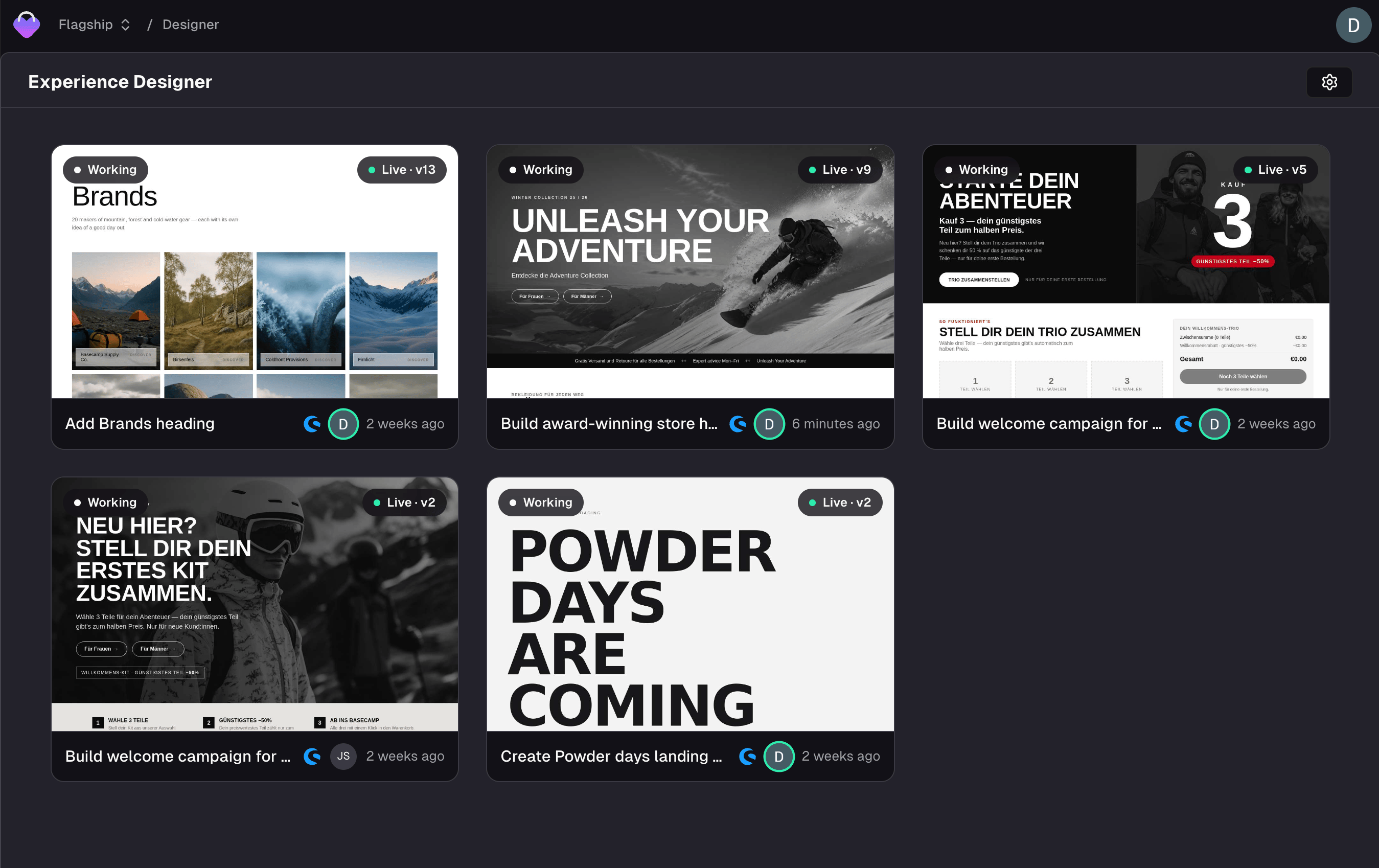
The Experience Designer overview
What an experience is
An experience is a single, emotional commerce moment - a Black Friday landing page, a brand collaboration, a category takeover, a seasonal hero. It renders with your header, your footer, your theme, and your real add-to-cart, because it lives inside your storefront rather than beside it. Concretely, an experience is:- One unit of work with its own name, its own canvas, and its own chat
- Versioned - every save is an immutable version you can publish, roll back to, or share
- Bound to a place - a URL on your shop, and optionally a specific container on that page
Who it’s for
Marketing and e-commerce people who think in offers, audiences, seasons, and brand - not in files and builds. The Designer’s chat is deliberately non-technical: it talks about the experience, the canvas, the hero, and the offer, and it keeps framework and build details to itself. That also sets the boundary. The Designer designs experiences. Prices, product data, and shop settings live in your shop system or in project settings - ask the Designer to change one and it’ll tell you where it lives, then offer what it can do toward the same goal.Creating an experience
Two entry points, depending on where your project’s storefront lives.From Frontic
Open Designer in the admin sidebar and click New Experience.
The Designer builds against your project’s first domain unless you
point it somewhere else.
From Shopware
With the Shopware connector installed,
drop a Frontic Experience block into a Shopping Experience
layout and click Open in Designer.How to create an experience from Shopware
The Designer surface
Two panels: chat on the left, canvas on the right.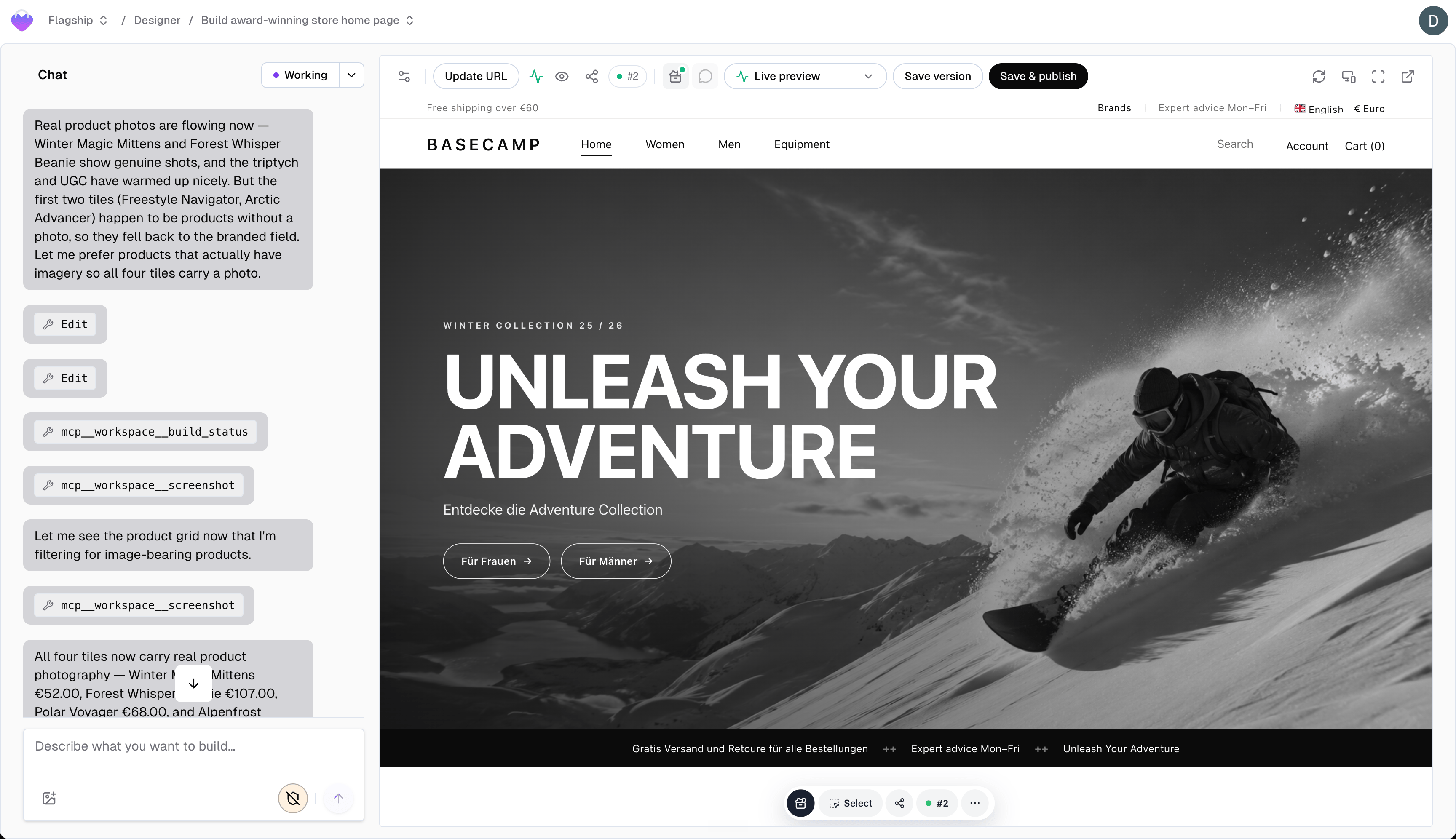
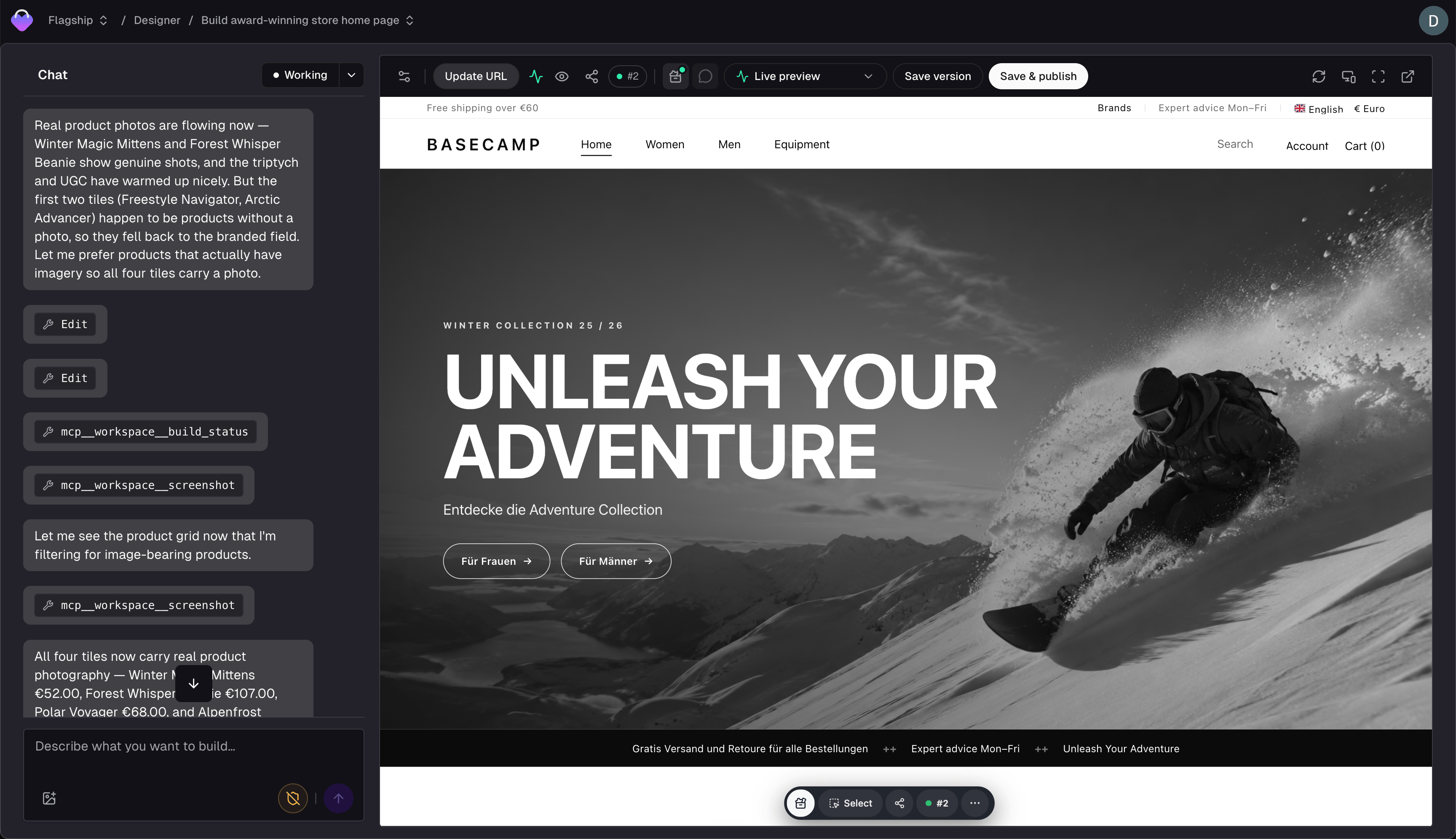
The Designer surface
If your project has no shop connected - or the preview URL can’t be loaded - the Designer builds on a blank canvas instead. The experience still gets built - it renders on its own, without the surrounding shop. Set a reachable preview URL in the experience’s settings to build against the real thing.
How the agent works
The Designer’s chat follows a deliberate arc, and each step shows something real on the canvas rather than describing it.Brief
One or two sharp questions - the offer, the audience - and then it
starts. It won’t interview you for ten minutes before showing
anything.
Visual direction
A grayscale draft on the canvas: layout and rough content, no brand
styling yet. Interactive ideas (a product finder, a bundle builder)
are pitched here and sketched static. This is the one hard gate -
the agent waits for your sign-off on the direction before it
starts polishing.
Design and behavior
Full brand treatment from your Design
Library, then interactivity and
motion. Progress shows as a task list; you steer by interrupting.
Data
Real products from your catalog, matched to the brief. When the
pick is ambiguous, the agent asks rather than guessing.
What it draws on
The Designer doesn’t start from zero on a new project either.
Context Setup writes the first draft of all of it by reading your storefront once.
Related
Building an experience
The canvas, stages, element picking, media, and Designer settings.
Publishing
Versions, going live, rollback, and sharing a preview.
Frontic Studio
The other build surface - whole frontends, in a Git repository.
Shopware connector
Creating experiences from the Shopware admin and publishing back
into a CMS slot.