

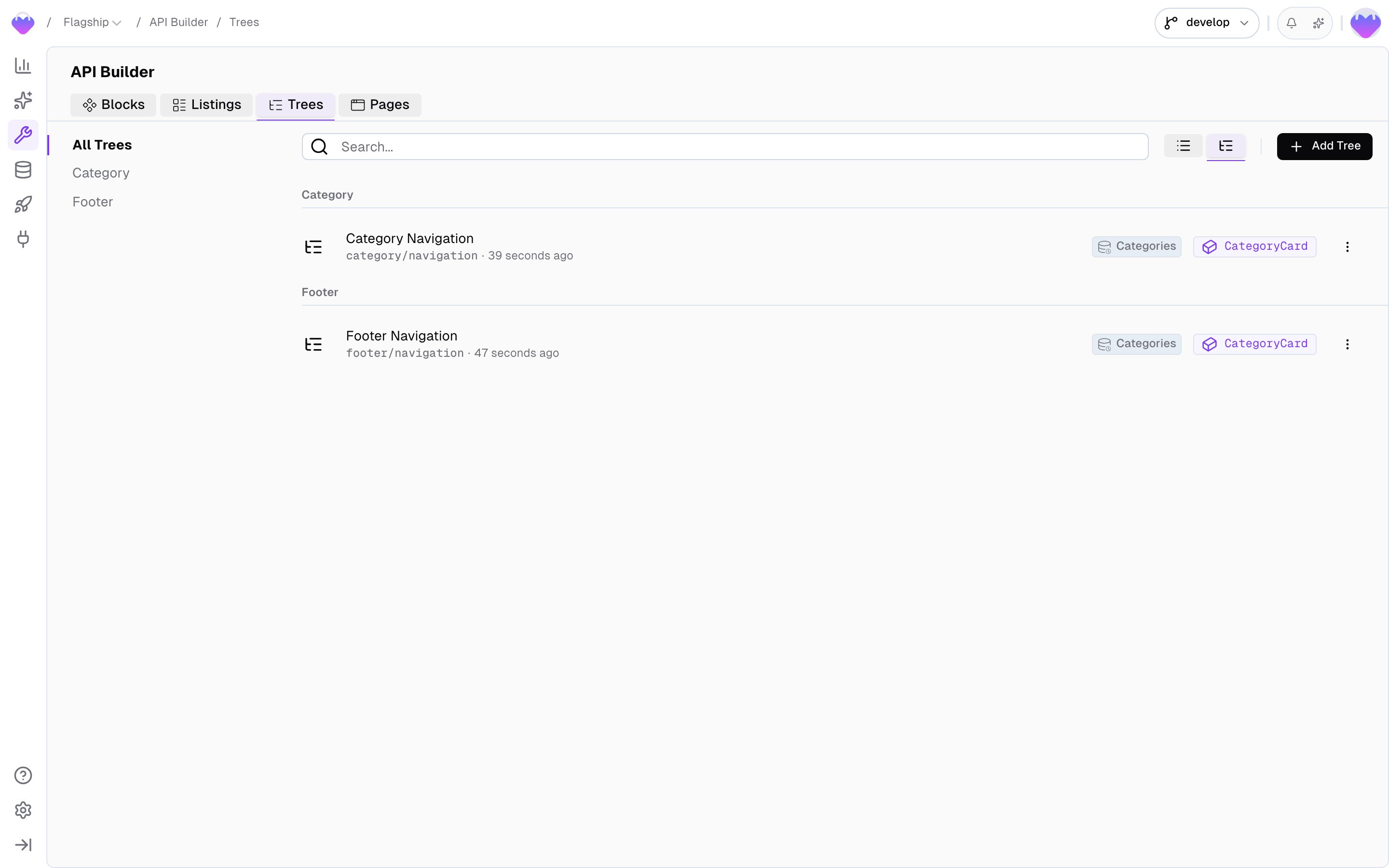
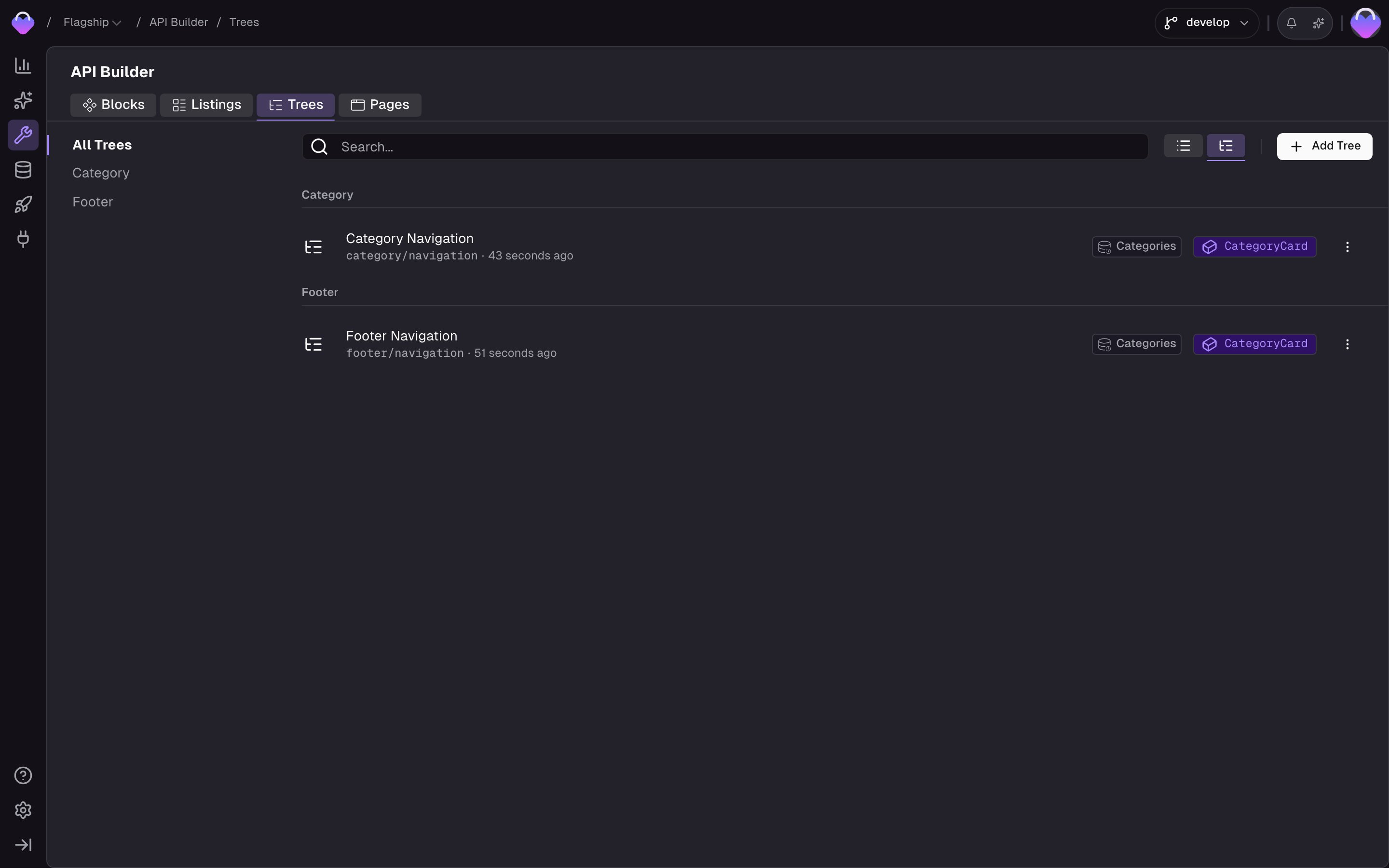
How it works
A Menu Tree has two sides: how records connect into a hierarchy, and what each node looks like when it comes back.Structure
A Menu Tree reads records from a Data Storage and assembles them into a tree using two default fields:parentKey- links each record to its parent node.position- numeric sort order among siblings. Always present on storages used by a Menu Tree.
Node shape
One Detail Block defines the node shape for the whole tree. Every record returned - the root, every child, every grandchild, all the way down to the leaves - is rendered through that same block, so the payload stays consistent at any depth. On top of that, Frontic attaches a single tree-level property,$items, to each node to carry its subtree. Everything else on a node comes straight from the block you picked.
Menu Trees don’t hold their own data - they read records from a Data Storage and render each node through a Detail Block. Make sure the block you want to serve already exists and is connected to the storage before creating a tree.
Create a tree
Head to the API Builder and click Add Tree.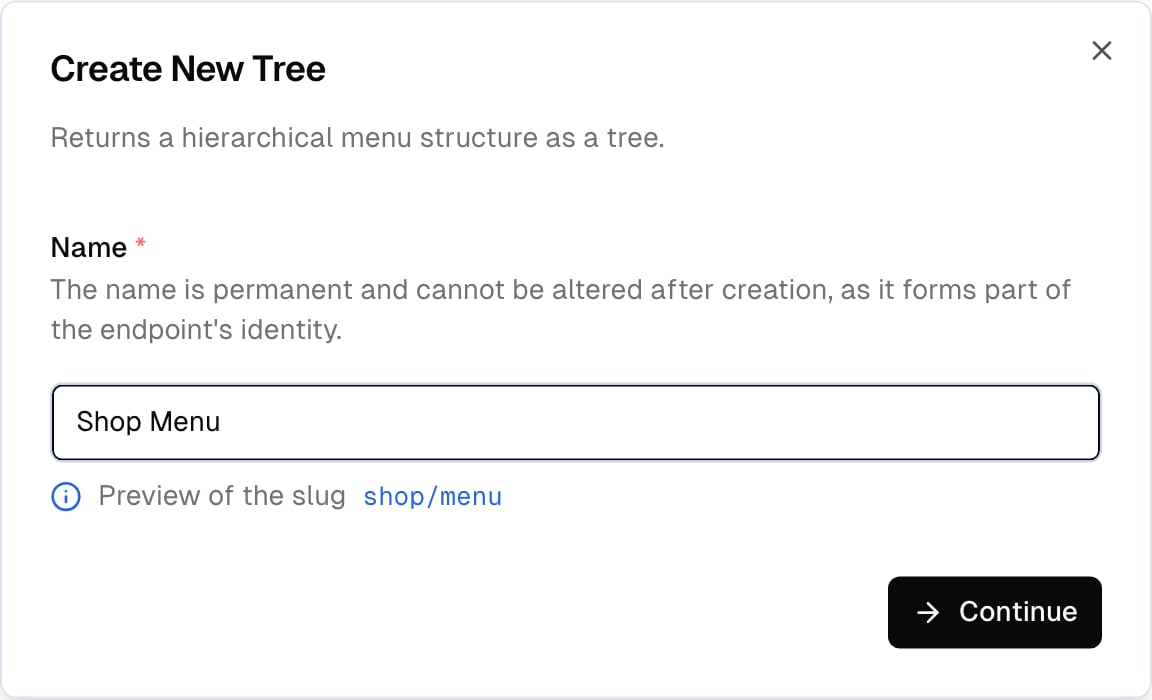
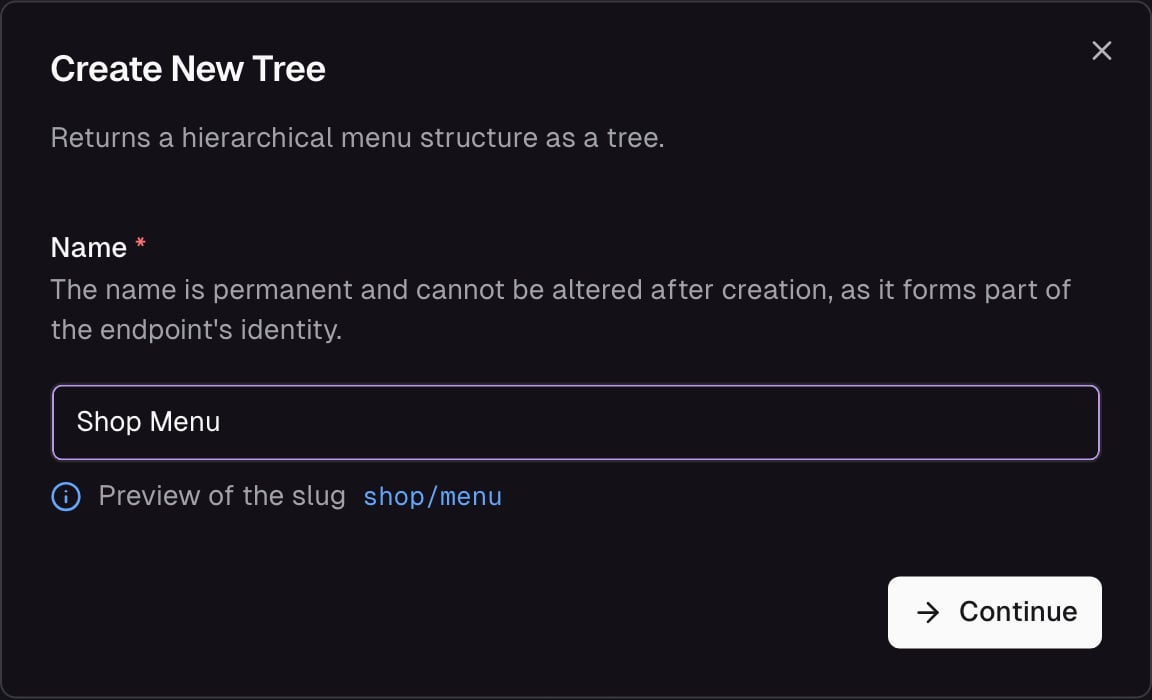
Create a new Menu Tree - name and slug
Shop Menu, Footer Navigation, Support Links. Frontic derives the endpoint slug (e.g. shop/menu) and the SDK type name from this value, so the name is permanent. Click Continue to land in the tree builder, where you pick:
- Storage - which Data Storage the nodes come from
- Node block - the Detail Block that shapes each node’s response
Query
In the Query tab, you can configure a pre-defined query that always applies to the tree - every request runs through these conditions. Use it to scope the tree to a subset of records (e.g. only active categories, only categories with a specific attribute). Each condition has three parts:- Field - a storage field or block field to match against. The value input adapts to the field’s type, so booleans, numbers, strings, and enums all get the right widget.
- Operator - how to compare. Available operators:
equals/notEquals- exact match. Works on both string and array fields - on arrays, Frontic turns it into an “includes” check under the hood. This is the operator to use when matching against a field that holds a list of values (e.g. category IDs).like/notLike- partial match (contains)gt/gte/lt/lte- numeric comparisons
- Value - a static value to compare against a fixed value. The widget matches the field type: a switch for booleans, a number input for integers and floats, a dropdown for enums, a text input for everything else.
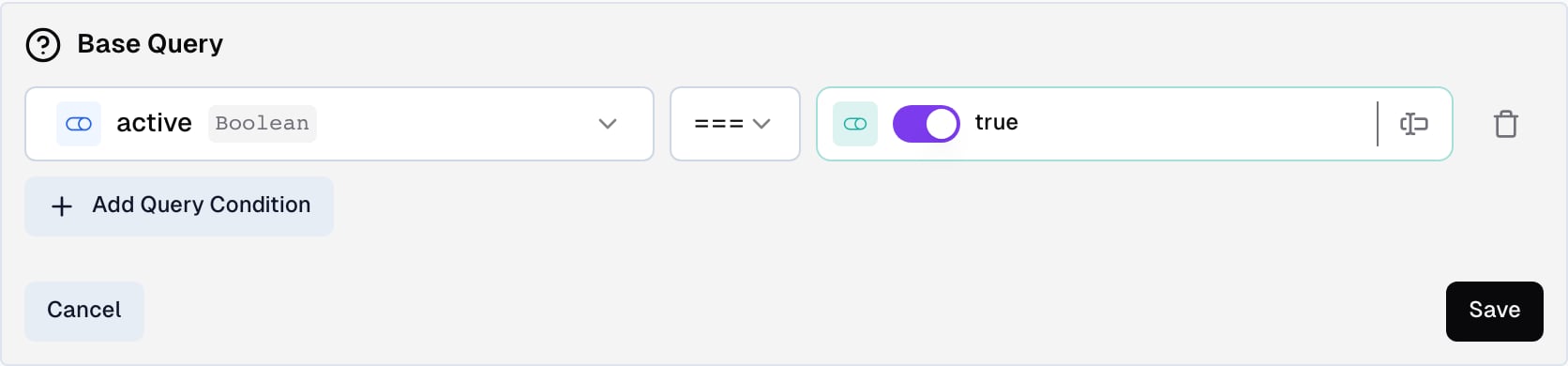
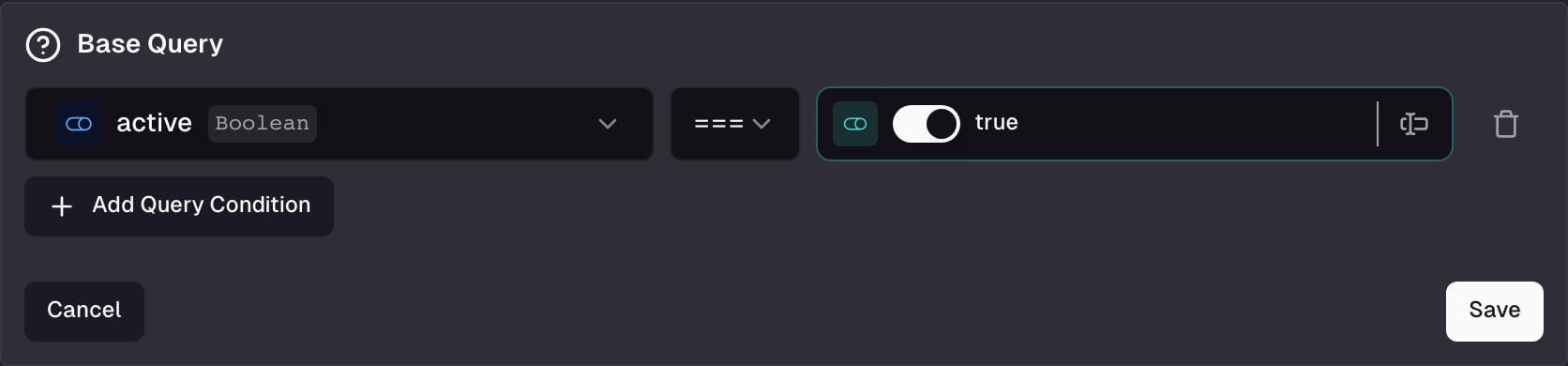
Base Query - conditions with static values
Fetch a tree
- Client SDK
- Nuxt Module
Parameters
string
Optional starting point. When provided,
items contains a single entry - the node with this key, plus its descendants. Without a key, items contains every root-level node (records with no parent).number
Optional level limit. Controls how many levels of
$items are included in the response.Response
items always contains every root-level node (records with no parent). When you call with a key, items still contains a list - but with just that single matching node - kept as an array for shape consistency.
Each node’s shape (beyond key and $items) is defined by the Detail Block you selected. In this example, the block carries a Route field named link that resolves to each node’s Page URL in the caller’s locale and region.
API Playground
Preview - the API Playground is in early access. It runs against your live backend today, but the UI and feature set are still settling before general availability. Reach out if you want to try it.
key, set a depth, pick a release stage, set the request context, and hit Send - the resolved subtree appears side by side with your request.
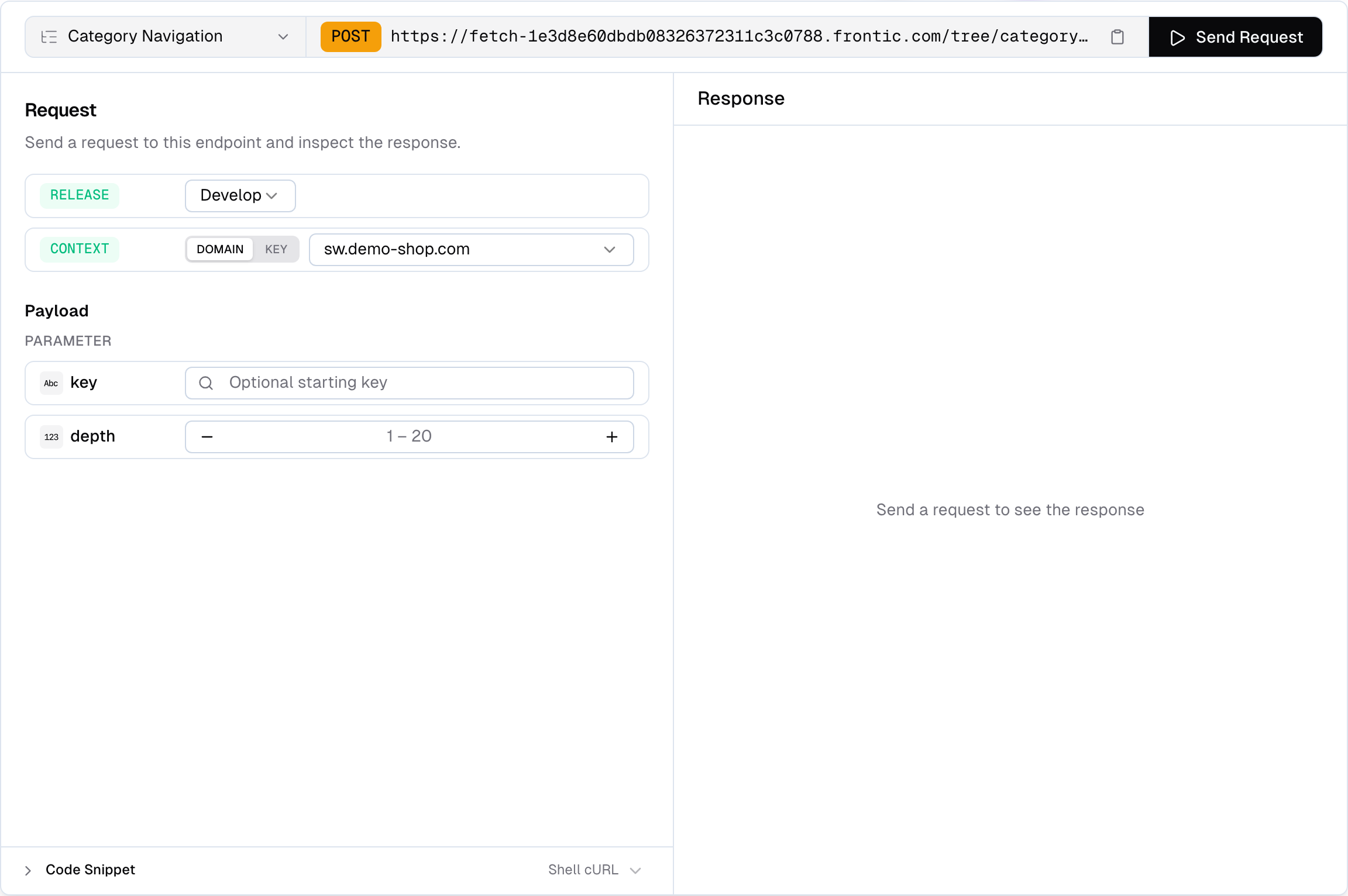
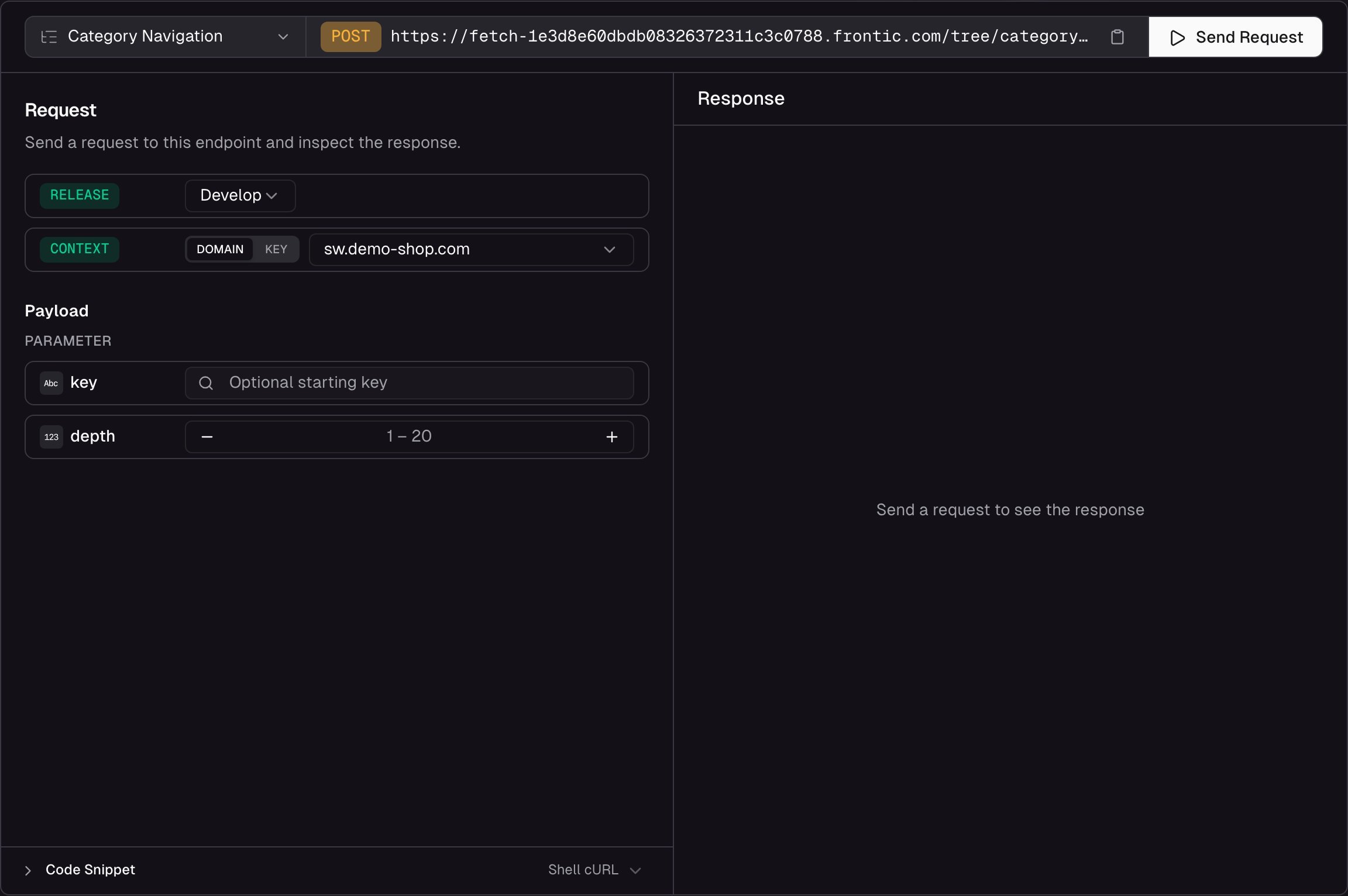
API Playground for a Menu Tree - set key and depth, send, inspect the response
- Resolve a subtree - pick a starting key and depth to scope the response to the slice you actually care about
- Pick a release stage - run the request against
develop,preview, orpublic. Preview and public only appear when those environments exist on the project - Switch context - pick Domain to send a
contextDomainand let Frontic resolve the matching context, or Key to send an explicitcontextKey - Inspect the response - status, response time, and payload size are shown alongside the body so you can spot performance issues
- Copy code snippets - auto-generated from your current configuration, ready to paste into your project
Limits
A single Menu Tree response is capped at 1,000 nodes total. Frontic resolves the tree level by level - if an entire level doesn’t fit within the remaining budget, the whole level is omitted (partial levels are never returned) and a warning is included in the response header. For large hierarchies, pass akey and depth to fetch the subtree you actually need instead of the whole structure.
Related
Detail Blocks
Shape each node’s response.
Data Storages
Where tree records live, with
parentKey and position as default fields.Page URLs
The link target each menu node points at via the Route field.