

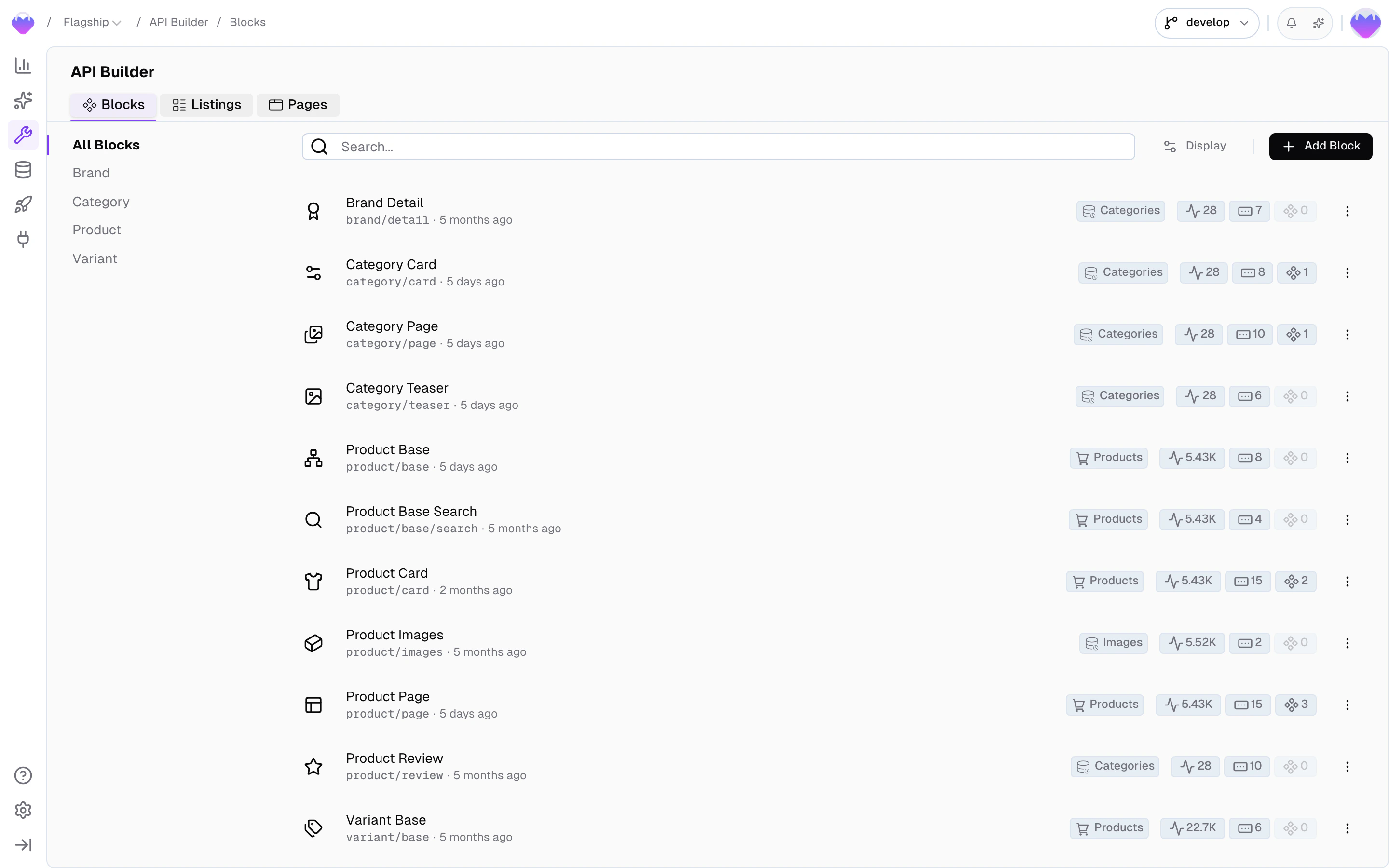
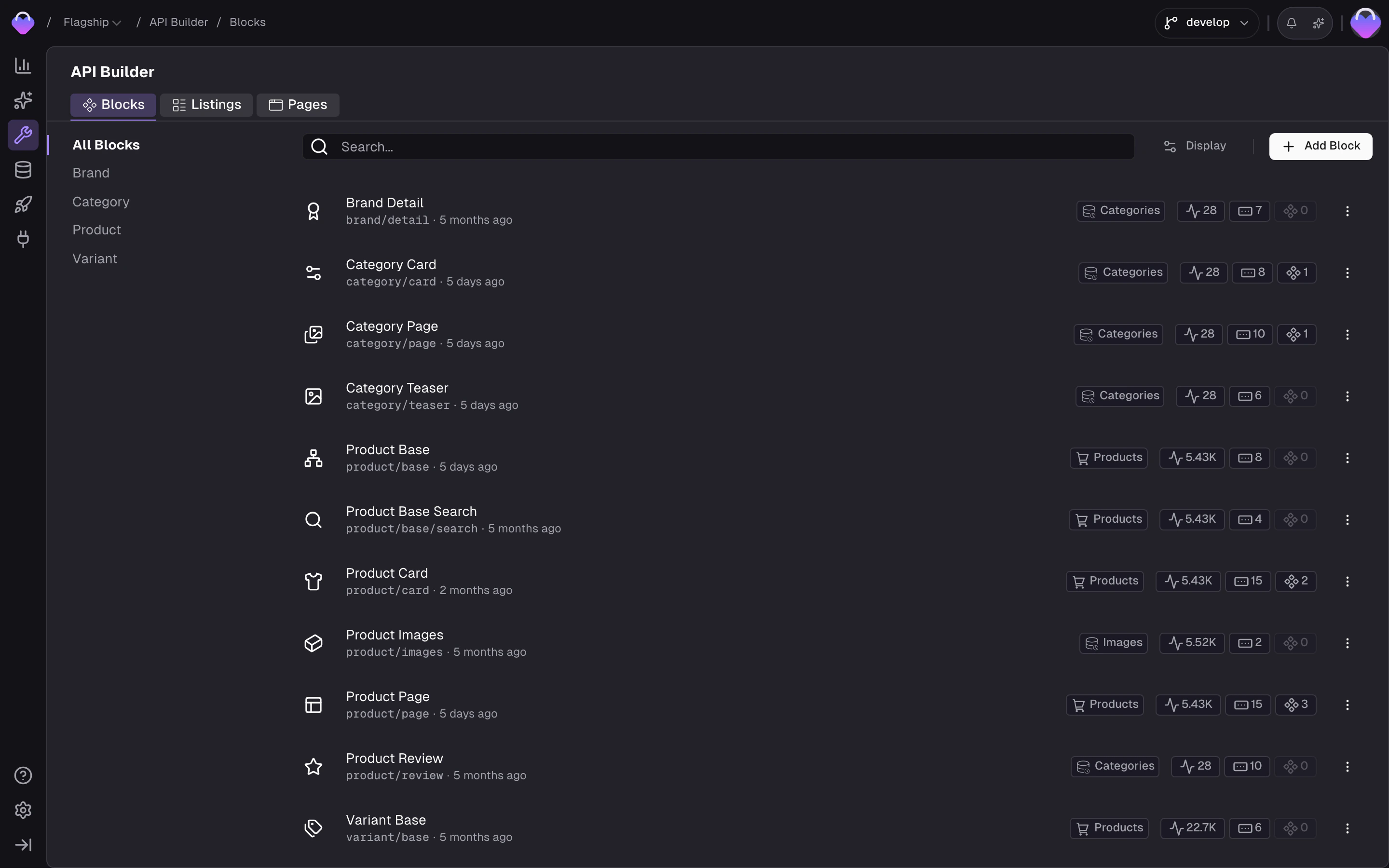
Detail Blocks in the API Builder
Create a block
Head to the API Builder and click Create Block.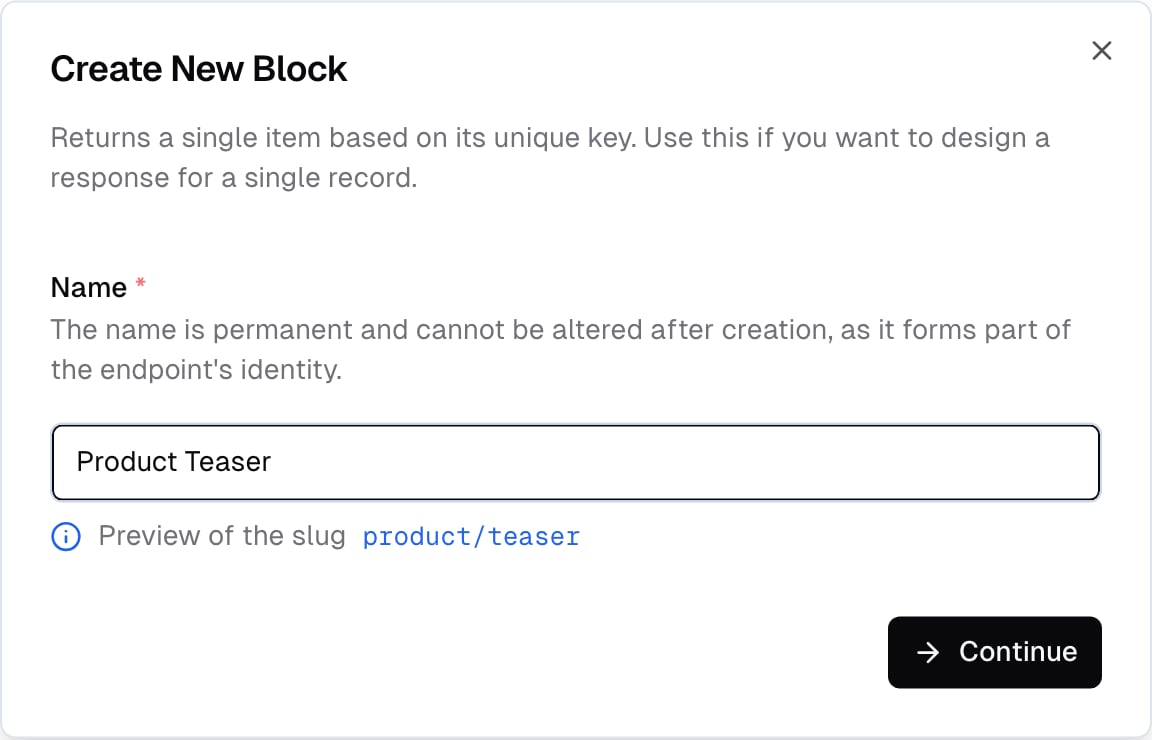
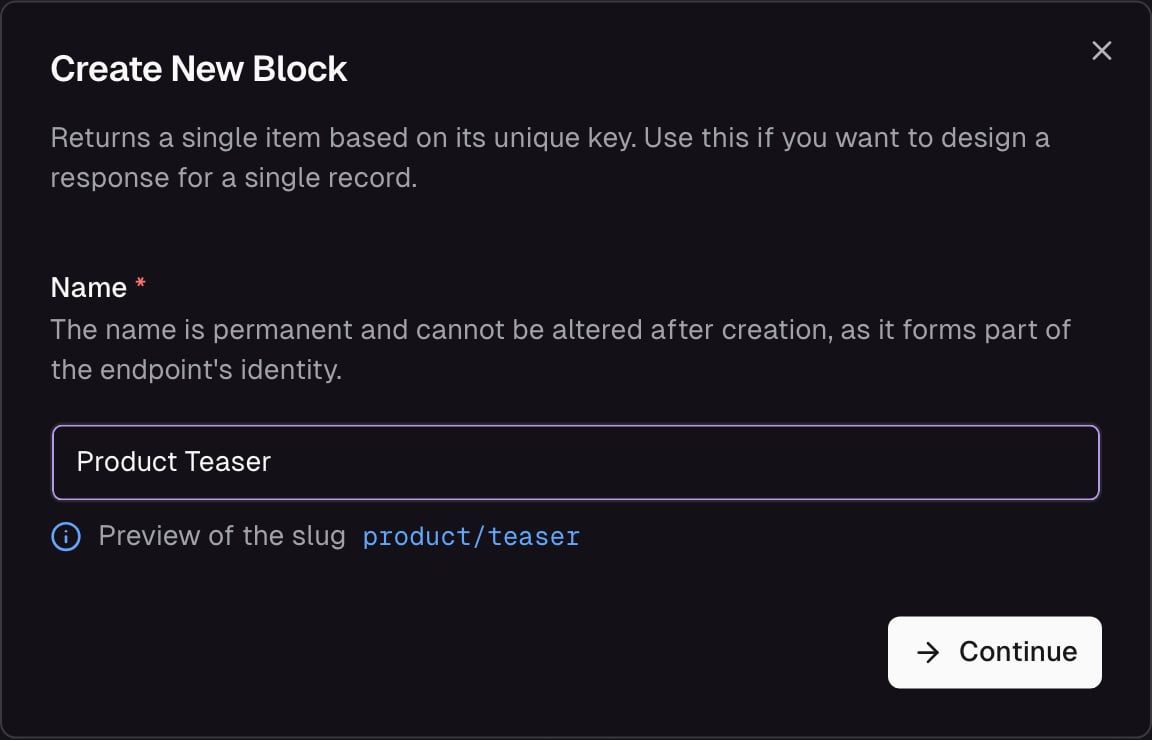
Create a new Detail Block - name and endpoint
Description
Add a description for your block. This is used for the auto-generated API documentation.Storage connection
Connect your block to a Data Storage to populate it with real data. For commerce storages, you choose whether the block operates on the product level or the variant level. This determines which fields are available in the response schema:- Product-level blocks access shared fields only. Variant-specific data (price, options) is available through the special field types below (Price, Variant Field, Variant List).
- Variant-level blocks access variant fields and shared fields - they inherit from the parent product.
Response schema
Define the output - the fields your block returns. Each field you add has a name that determines how it appears in the API response. The return shape depends on the field type - a storage field returns the type defined in the schema (string, number, composite, etc.), a nested block returns the nested block’s full response, a listing returns a collection, and a route returns URL and metadata.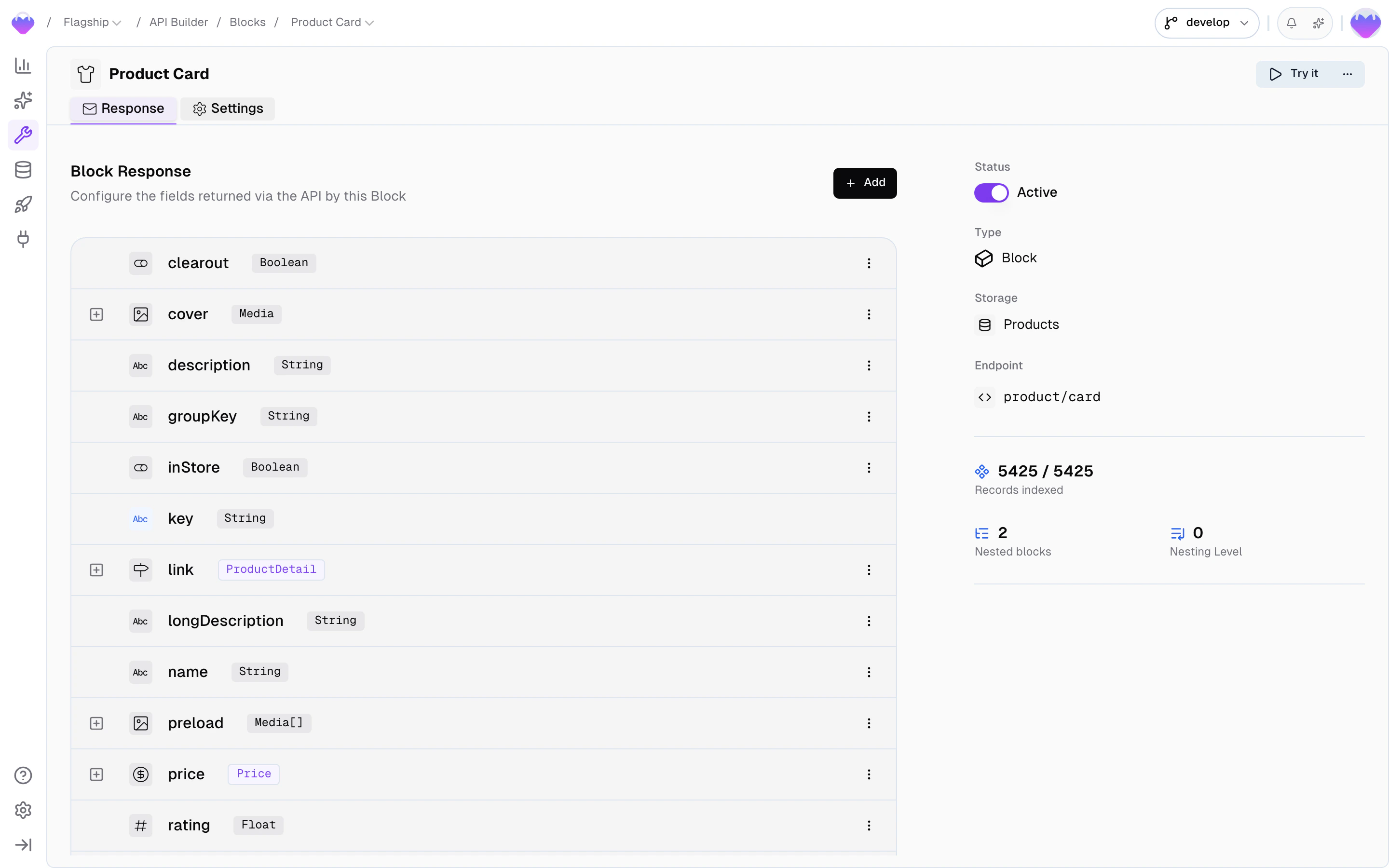
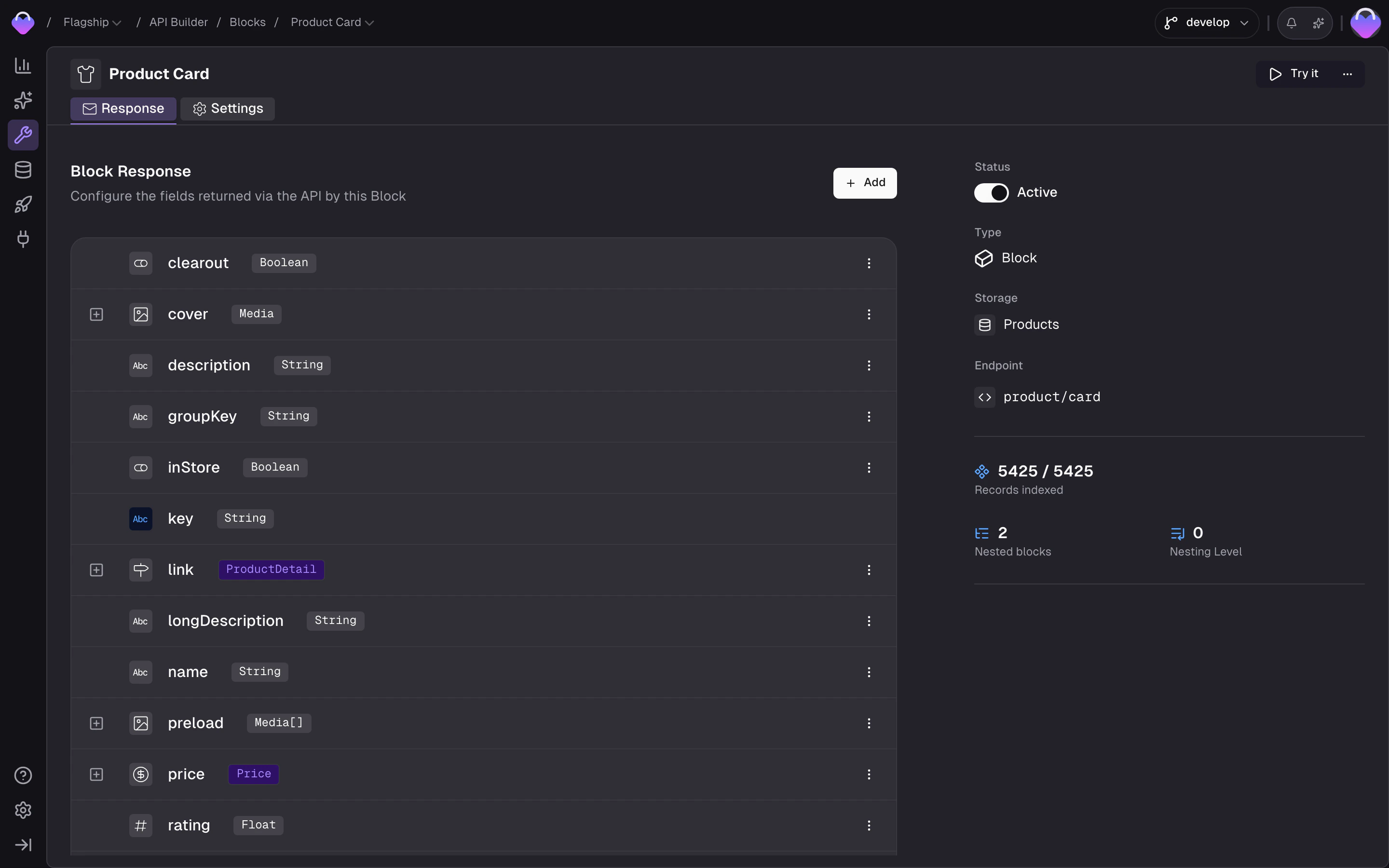
Configuring the block response schema
Storage fields
Select a field from the connected storage. The return type matches the storage field’s type - a string field returns a string, a composite likePrice returns the full composite structure, an array field returns an array.
- Reference - the storage field to read from
Nested block
Nest another Detail Block inside this block. A typical use case: nesting a brand information block inside a product detail block.- Block - the Detail Block to nest
- Parameters - configure the nested block’s parameters so it resolves correctly
Nested listing
Nest a Search Listing inside this block. A typical use case: a category page block with a product listing nested inside it.- Listing - the Search Listing to nest
- Parameters - configure the listing’s parameters for resolution
Route
Adds a context-aware URL to the response that points to a Page URL. Frontic resolves this and returns the correct URL for the caller’s locale and region - a product card ondemo-shop.com/de automatically links to /de/sneakers and on demo-shop.com to /en/sneakers.
- Target page - the Page URL to link to
- Key - a block field to take the record key from
The following fields are available on product-level blocks from a commerce storage.
Variant list
Includes a list of variants in the response.- Variant block - a variant-level block that shapes each variant’s data
- Active variants only - whether to exclude inactive variants
Variant field
Rolls up a single field across all variants of the product - for example, all available colors or sizes.- Storage field - which field to aggregate from the variants
- Active variants only - whether to exclude inactive variants
- Unique values only - whether to deduplicate the aggregated values
Price
Includes the price in the response, resolved to the caller’s currency via Request Context.- Strategy - which price to return when a product has multiple variants:
first,lowest, orhighest - Active variants only - whether to exclude inactive variants from the price calculation
Fetch a block
- Client SDK
- Nuxt Module
key parameter that identifies the record. If the block is connected to a storage, this is the record’s key field. Without a storage connection, pass any string.
See the Client SDK reference for the full API.
Response
The response is a JSON object shaped exactly like the block’s response schema:API Playground
Preview - the API Playground is in early access. It runs against your live backend today, but the UI and feature set are still settling before general availability. Reach out if you want to try it.
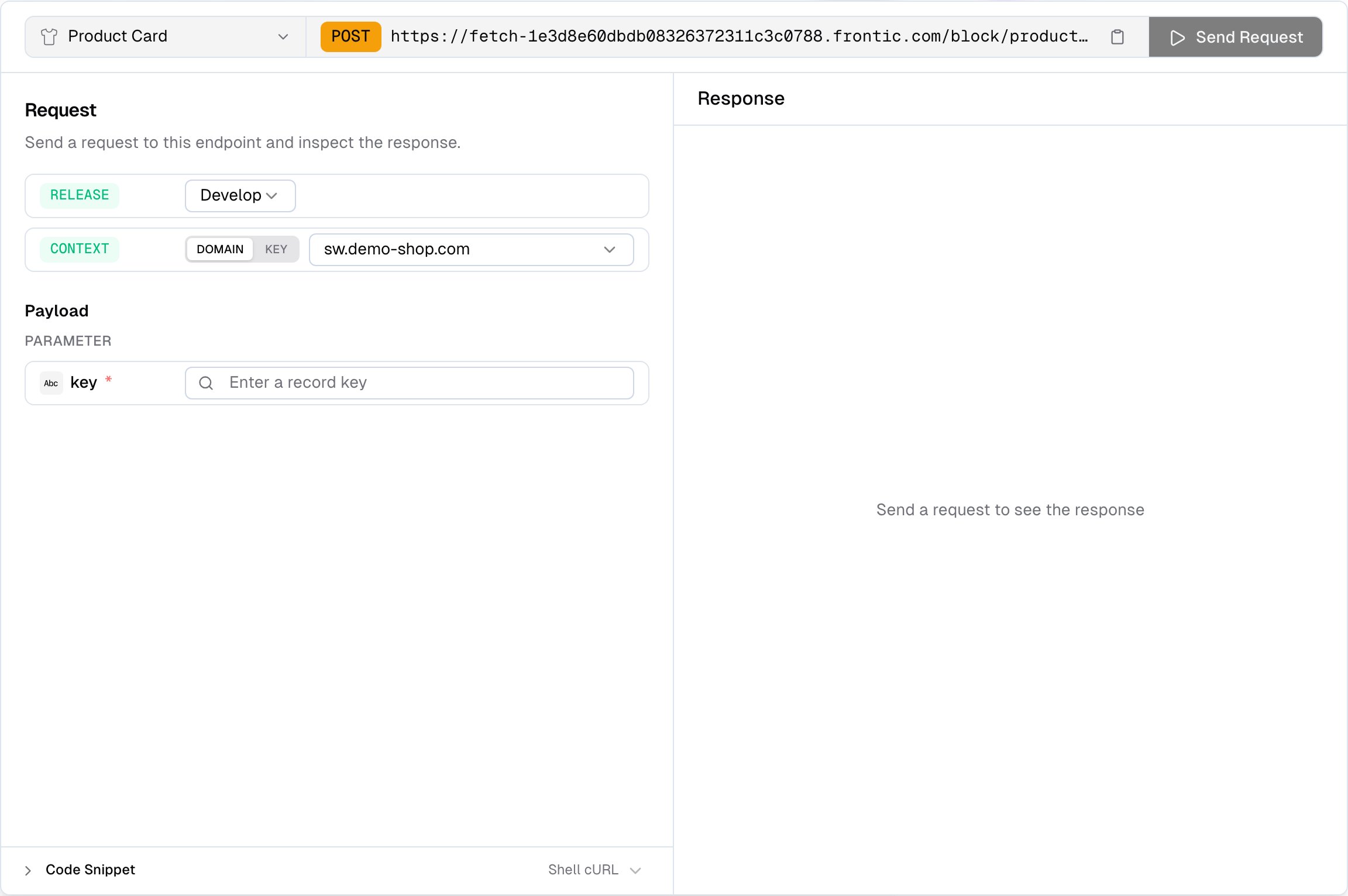
API Playground for a Detail Block - enter a key, send, inspect the response
- Verify the response shape - confirm your block returns the fields you expect before wiring up the frontend
- Pick a release stage - run the request against
develop,preview, orpublic. Preview and public only appear when those environments exist on the project - Test different contexts - pick Domain to send a
contextDomainand let Frontic resolve the matching context, or Key to send an explicitcontextKey - Pick records from storage - open a record browser scoped to the block’s connected storage and click a row to fill the key, instead of copy-pasting it from elsewhere
- Debug unexpected data - check response status, timing, and payload size at a glance
- Copy code snippets - the playground generates ready-to-use code from your current configuration, so you can paste it straight into your project