

Create a project
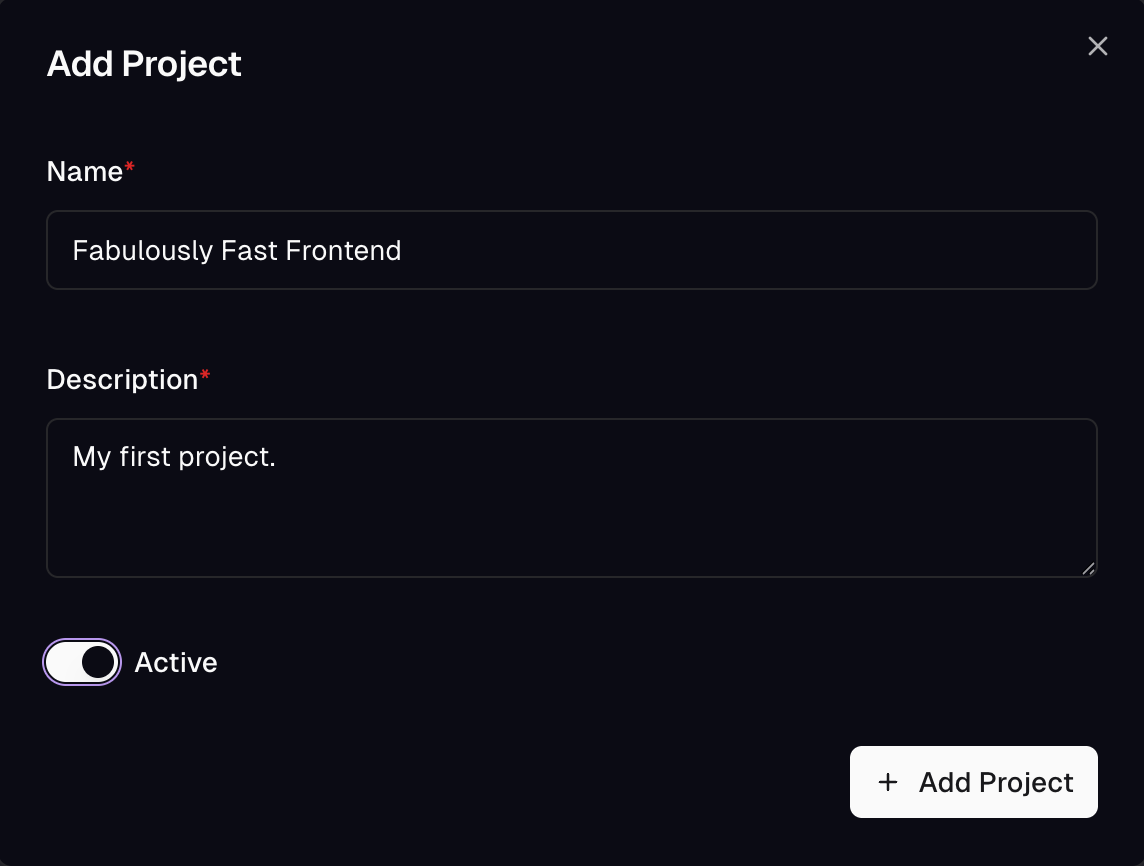
From the admin app, open Settings → Projects and click Add Project.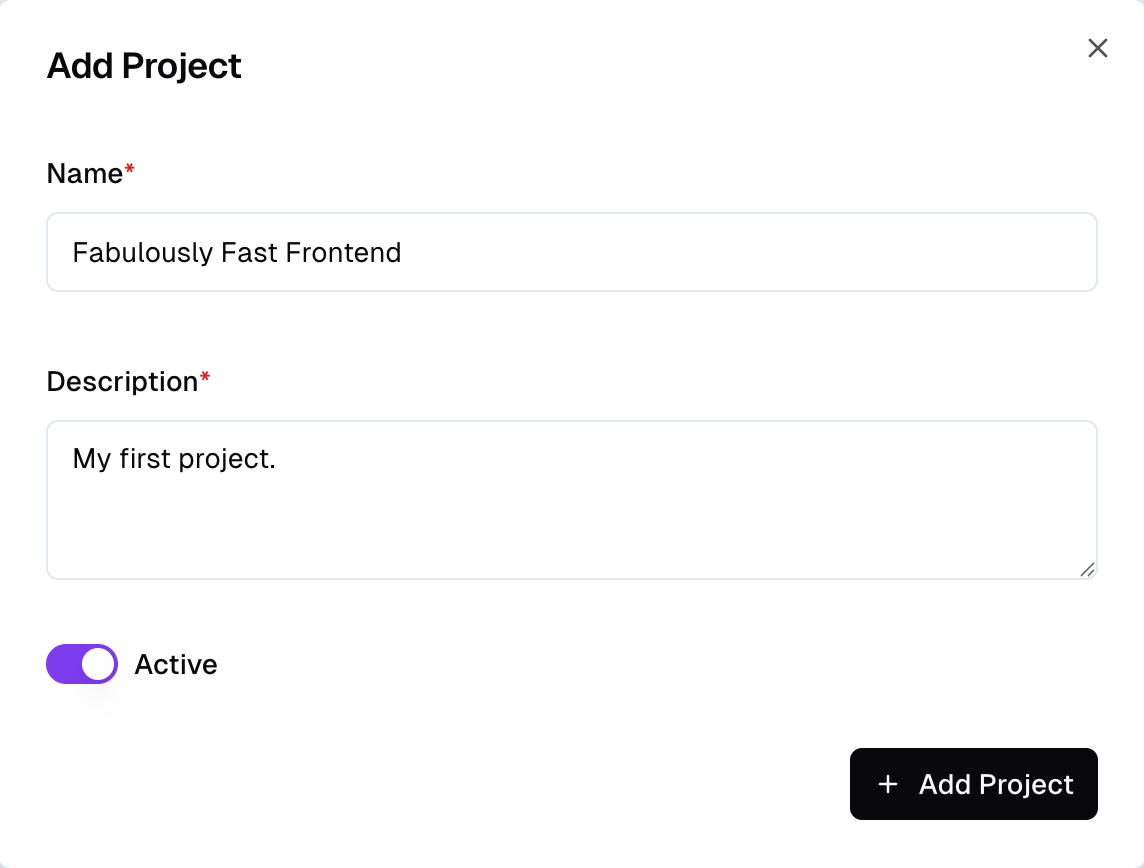
General settings
Every project has a small set of root-level settings that don’t belong to a specific subsystem. You’ll find them under Settings → General.- Name - the human-readable project name shown in the picker and across the admin app.
- Description - a short sentence to help teammates recognize the project. Optional.
- Active - whether the project is active. Inactive projects are hidden from the picker by default and stop serving public traffic.
- Experience Integration - the integration the Experience Designer builds and publishes against. New experiences inherit it, so with one connected shop you never pick an integration per experience.
What to configure next
General settings are intentionally thin - most of a project’s configuration lives in dedicated sections:Scopes
Segmentation layers for the project - B2B vs B2C, multi-brand, and
the default
public scope.Regions
Geographic markets inside a scope, each with its own currency and
supported locales.
Locales
The language catalog every region picks from.
Domains
Map incoming URLs to a scope / region / locale triple.
Data Types
Composites and enums you reference when declaring storage fields.
Limits & Quotas
Plan limits that apply to the project.