

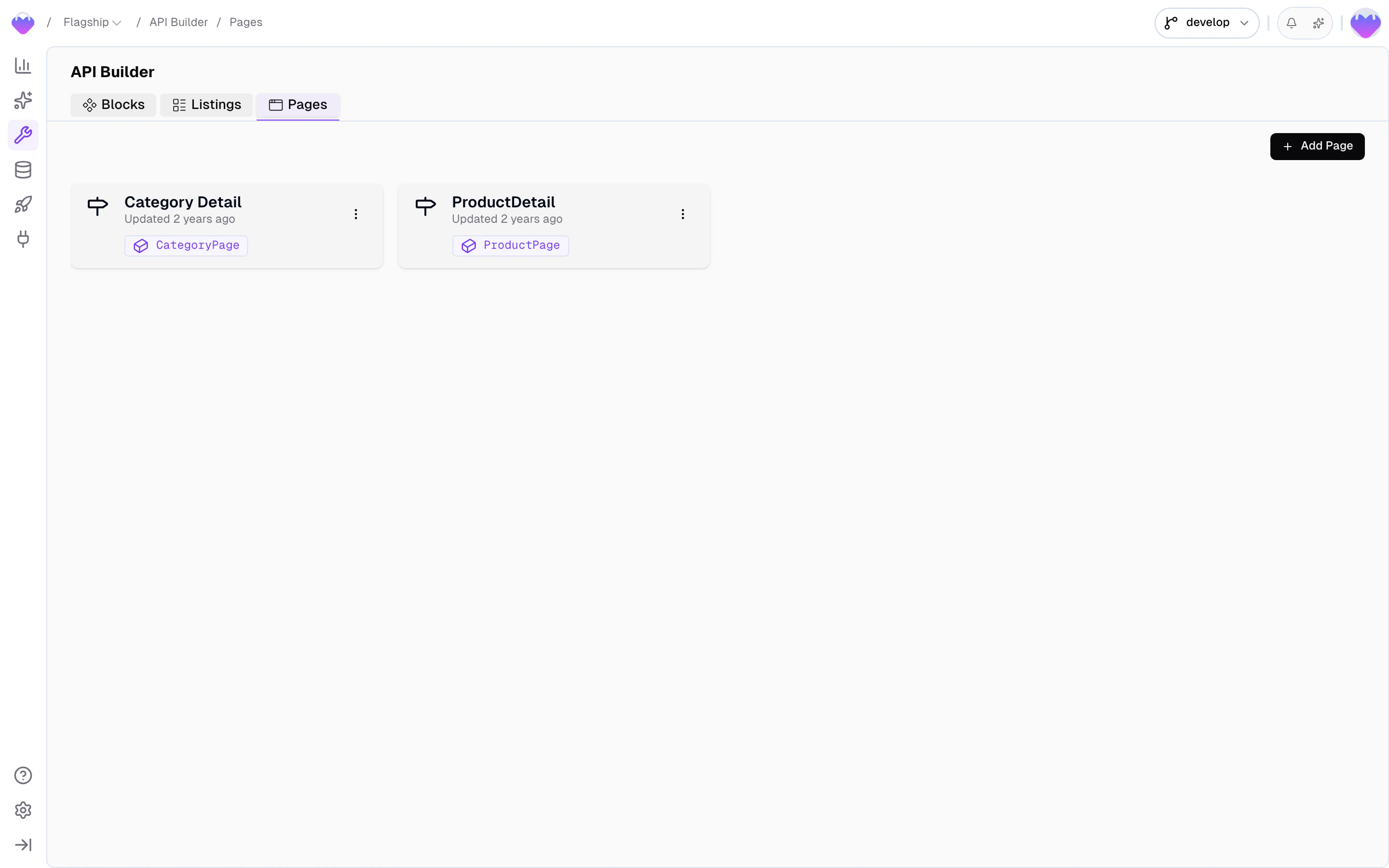
Page URLs in the admin app
Page URLs don’t hold their own data - they map a URL pattern to a Detail Block, and that block’s records become the page’s content. Make sure the block you want to serve already exists and is connected to a Data Storage before creating a page.
Create a page
From the API Builder, click New Page.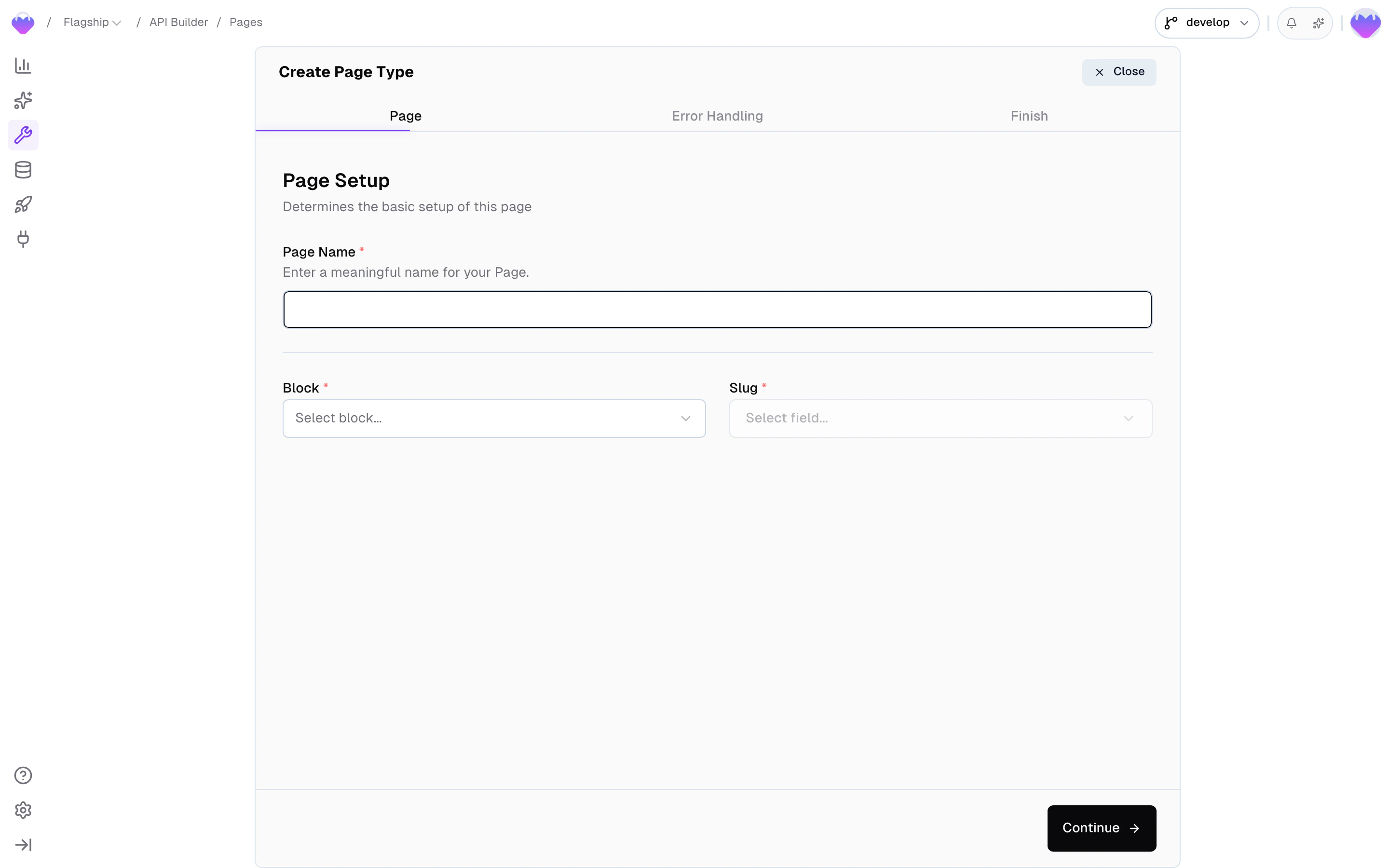
Create a new Page URL - name, block, and slug field
- Page name - a human-readable name (e.g.
Product Detail). Frontic derives the page type identifier and endpoint slug from this, so use normal capitalized words with spaces. - Block - the Detail Block that shapes the response for this page type
- Slug - the block field used to generate the URL (e.g.
name,breadcrumbs,handle)
Localized URLs
If the slug field points at a translatable or scoped storage field, Frontic folds out one URL per locale and region from the same record. A single product can resolve at/en/shop/equipment, /de/shop/ausstattung, and a B2B-scoped /pro/shop/equipment at the same time - each served from the domain that matches, each resolving to its own request context. Translate or scope the slug field on your Data Storage and the URL structure follows.
Action on withdrawal
Pages change - blocks get removed, records get deactivated. In commerce, URLs that disappear cost you rankings, inbound links, and customer trust. Configure what happens when a page’s underlying record is no longer available:
Withdrawn URLs aren’t lost - they’re detached from the record but kept in the URL history. If a record with the same slug reappears later, Frontic automatically re-attaches the existing URL to it, preserving the original link. A record recreated with a different slug gets a fresh URL, and the old one stays withdrawn.
Conflict resolution
URLs must be unique. When two records would generate the same slug (e.g. two products with the same name), pick a strategy:Sitemaps
You can augment your sitemaps with your Frontic page URLs. Enable sitemap visibility in your page settings to include that page in a generated sitemap: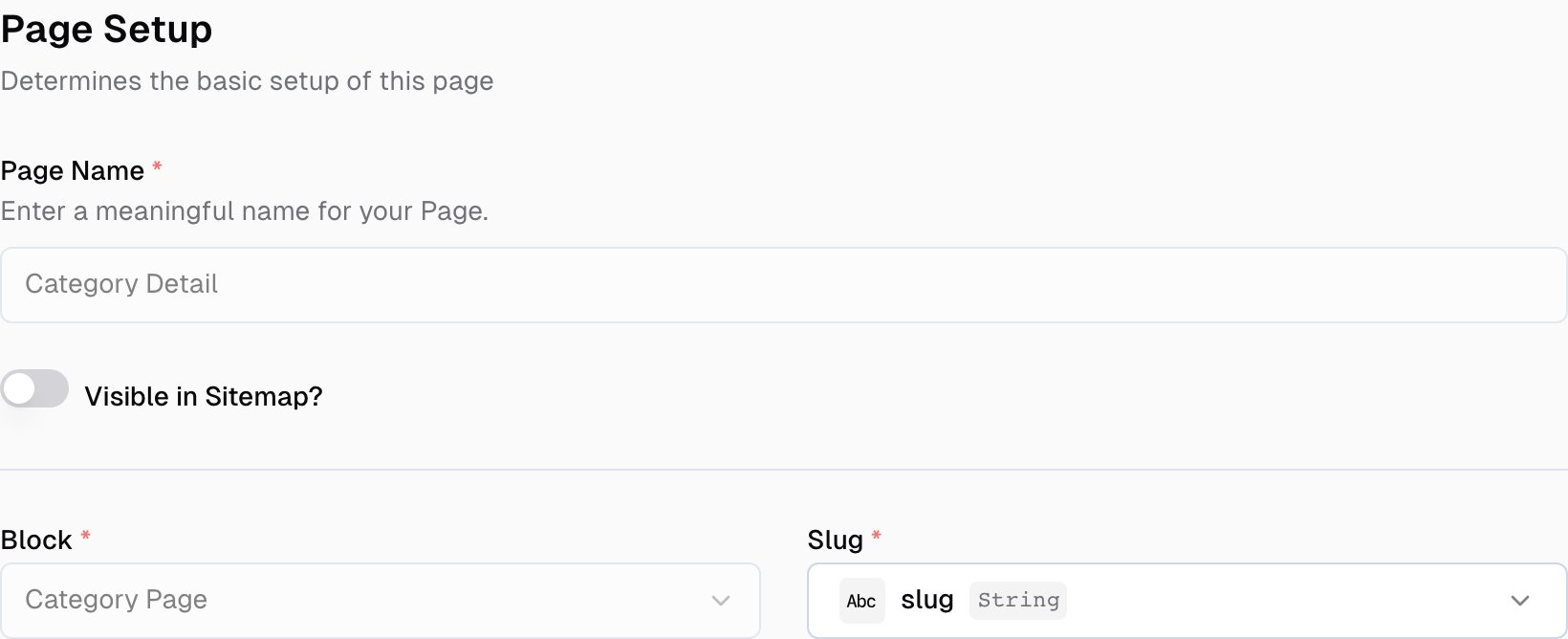
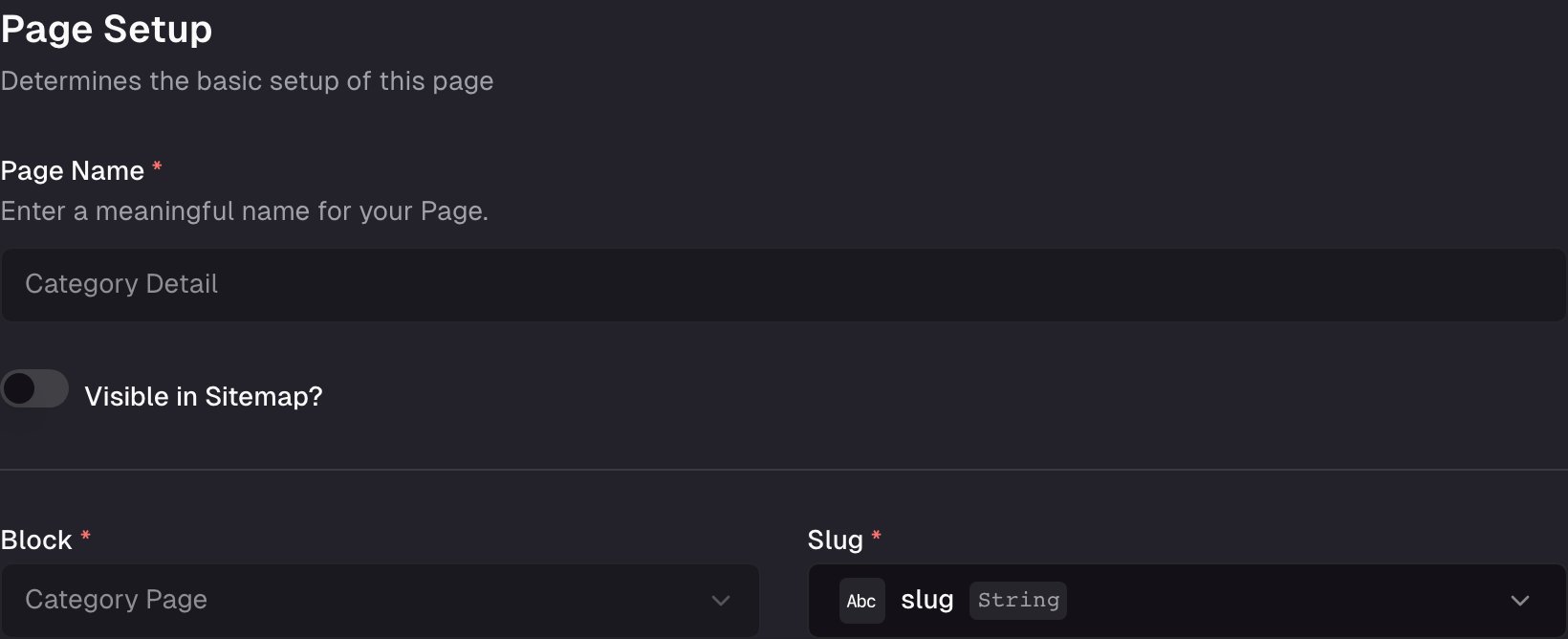
Page configuration - Enable sitemap visibility
How URLs resolve
Frontic stores pages by their content-only slug, then projects them through your project’s domain mappings to produce one fully-qualified URL per(scope, region, locale) combination that’s configured to expose the content.
URL anatomy
A resolvable URL splits into two parts: the domain the project mapped, and the slug the page record produced.www.demo-shop.com- single domain, single localede.demo-shop.com- locale on a subdomainwww.demo-shop.com/de- locale on a path prefix, on the same domain
www.demo-shop.com/shop/equipment- public scope, en-USwww.demo-shop.com/de/shop/ausstattung- public scope, de-DE (translated slug, locale carried by the path prefix in the configured domain)b2b.demo-shop.com/shop/equipment- b2b scope, en-US
Resolution chain
When a request hits Frontic with a URL likewww.demo-shop.com/de/shop/ausstattung, the pipeline runs in this order:
- Domain match - Frontic finds the longest configured project-domain entry that owns this URL (e.g.
www.demo-shop.com/de, notwww.demo-shop.com). The match returns the scope, region, and locale that domain entry is pinned to. - Context resolution - the
(scope, region, locale)tuple becomes the request context. If the caller sent anfs-contextheader, that takes precedence; otherwise the domain’s defaults apply. - Page lookup - Frontic strips the matched domain prefix and looks the remaining slug up in the project’s URL history for the resolved scope. Hits return the page record; misses fall through to
route.code: 404(or a redirect, depending on the page’s withdrawal action). - Block render - the matched page’s connected Detail Block renders the response, applying the resolved context to translatable / scoped fields.
- Route metadata - Frontic attaches
routeto the response with the resolved code, the active context, alternate URLs for the same content in other regions/locales, and (when relevant)redirectorcontext.suggestedentries.
client.page(). The pipeline produces a deterministic answer, and your match-all route renders whatever comes back via page.type and page.data.
Fetch a page
Your frontend hits a match-all route with only the incoming slug (e.g./fr/femme/chemises). Pass that slug to Frontic and render the result.
- Client SDK
- Nuxt Module
Response
The response carries the page type, the block payload for this URL, and route metadata.string
The page type (e.g.
"CategoryDetail", "ProductDetail"). Use this to pick which component to render.string
The underlying Detail Block name. Useful if you map components to block names instead of page types.
object
The block’s content for this URL. Structure depends on the Detail Block configuration.
object
Route metadata - response code, resolved context, alternates, suggestions, redirects. See Route metadata below.
Route metadata
Theroute property tells your frontend what HTTP code to return, what locale/region was resolved, where to redirect, and which alternate URLs exist for the same content.
number
The HTTP status code your frontend should return:
200, 301, 302, or 404.object
The resolved region and locale the page was served for. Use this for analytics, canonical tags, or client-side state.
array
Alternate routes for the same content in other regions/locales. Use for
hreflang tags and language switchers. The current route is not included.object
When
code is 301 or 302, this holds the target URL to redirect to.object
When the caller’s context doesn’t match the route Frontic resolved, this suggests a better-matching alternate. See Context mismatches.
Context mismatches
When a visitor with acontextKey tied to one region or locale lands on a URL from a different one - say, a user with de-DE context hitting /en/shop/equipment - Frontic serves the requested URL (never guesses silently) but adds context.suggested to the route, containing the matching alternate (slug, path, url, href, region, locale).
Your frontend decides what to do: prompt the user (“we noticed you’re in German - switch?”), auto-redirect, adjust the canonical tag, or ignore the suggestion entirely and render the content as-is. Suggestions only appear on 200 responses - redirects and 404s don’t include them.
Error handling and redirects
The HTTP call itself returns200 OK whenever Frontic can satisfy the request - logical redirects and not-found cases for the URL live inside route.code. Your frontend reads that field, returns the matching HTTP status to the visitor, and (for 301 / 302) uses route.redirect.href as the location. One code path handles every case.
API Playground
Preview - the API Playground is in early access. It runs against your live backend today, but the UI and feature set are still settling before general availability. Reach out if you want to try it.
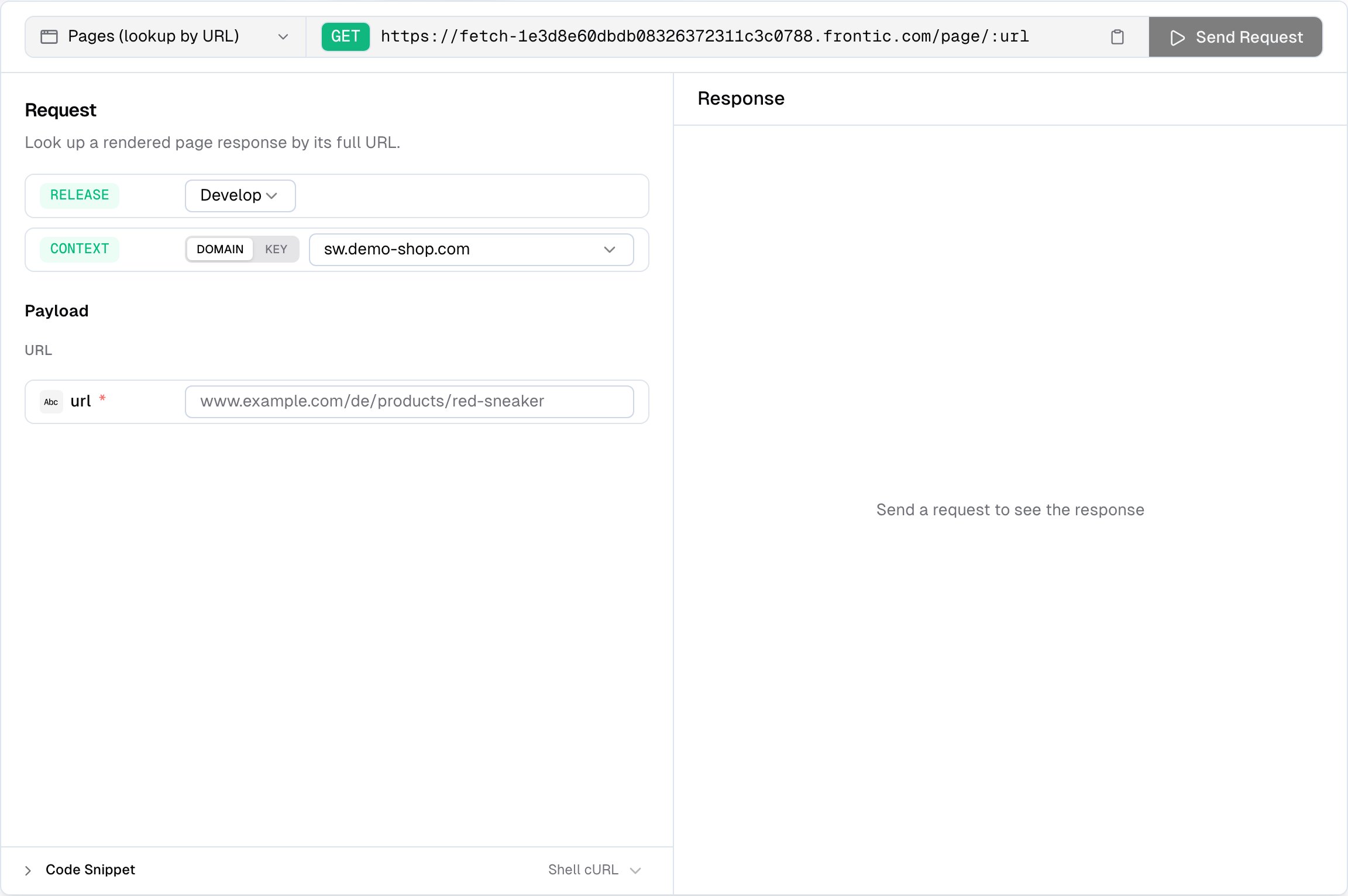
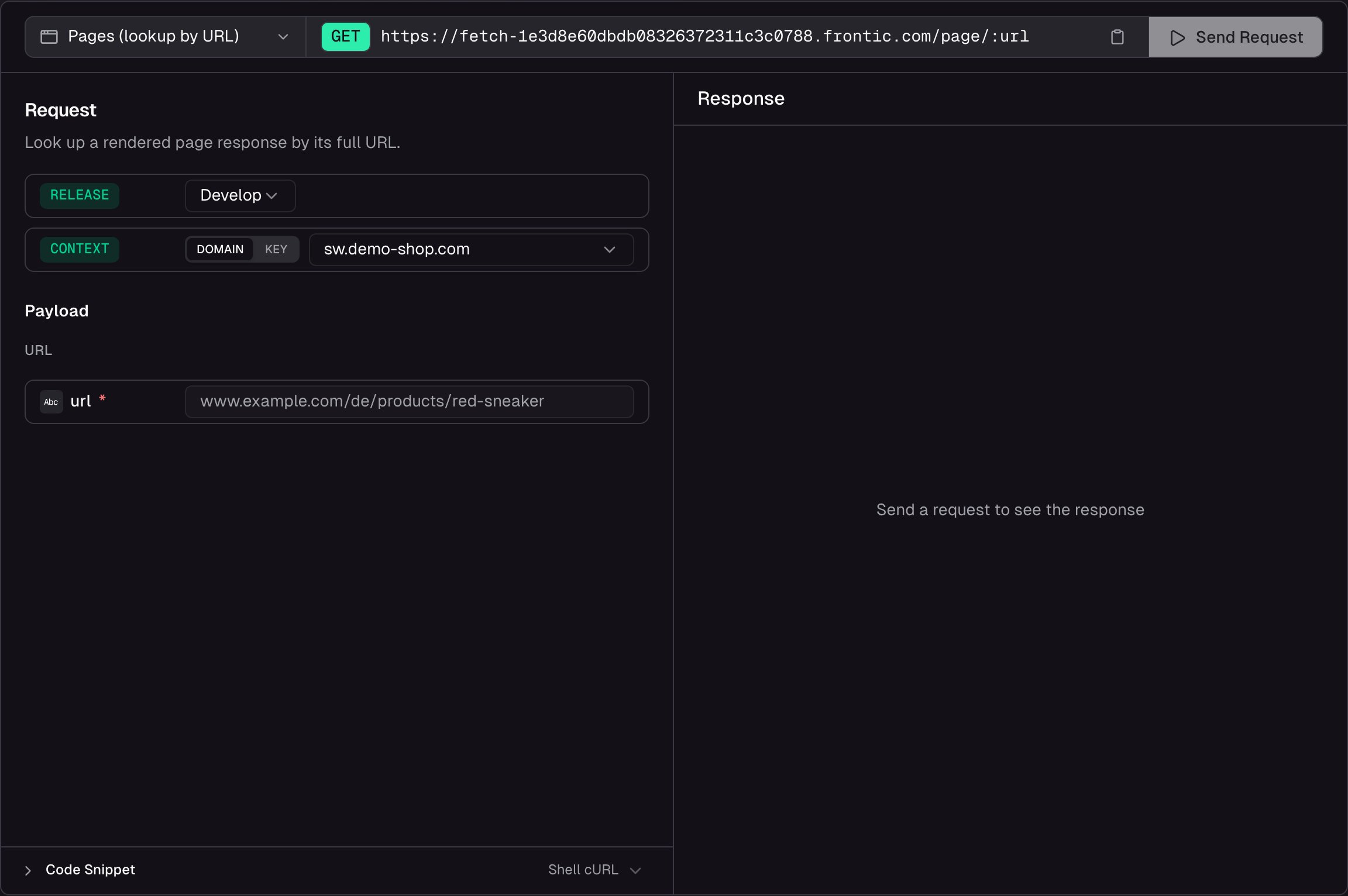
API Playground for the page endpoint - enter a URL, send, inspect the response
- Resolve a URL - paste the full URL (e.g.
www.demo-shop.com/de/products/red-sneaker) and see which page type, block, and data Frontic resolves for it - Pick a release stage - run the request against
develop,preview, orpublic. Preview and public only appear when those environments exist on the project - Inspect the response - status, response time, and payload size are shown alongside the body so you can spot performance issues. The response includes
type,block,data, and the fullroutemetadata - Copy code snippets - auto-generated from your current configuration, ready to paste into your project
Link to a page from a block
Block responses can embed a URL that points to a page. Add a Route field to a block, pick the target page and the field that carries the record key, and Frontic resolves the matching URL for every response - in the caller’s locale and region, under the right domain. A product card rendered ondemo-shop.com/de gets /de/turnschuhe/air-max, the same card on demo-shop.com/en gets /en/sneaker/air-max. No URL building on the frontend, no locale mapping tables.
Related
Detail Blocks
Shape the response for each page type.
Menu Trees
Build hierarchical navigation from Page URLs.
URLs, Redirects & SEO
How URLs are generated, how history is preserved, and how SEO metadata flows.
Request Context
How scope, region, and locale shape every page response.