

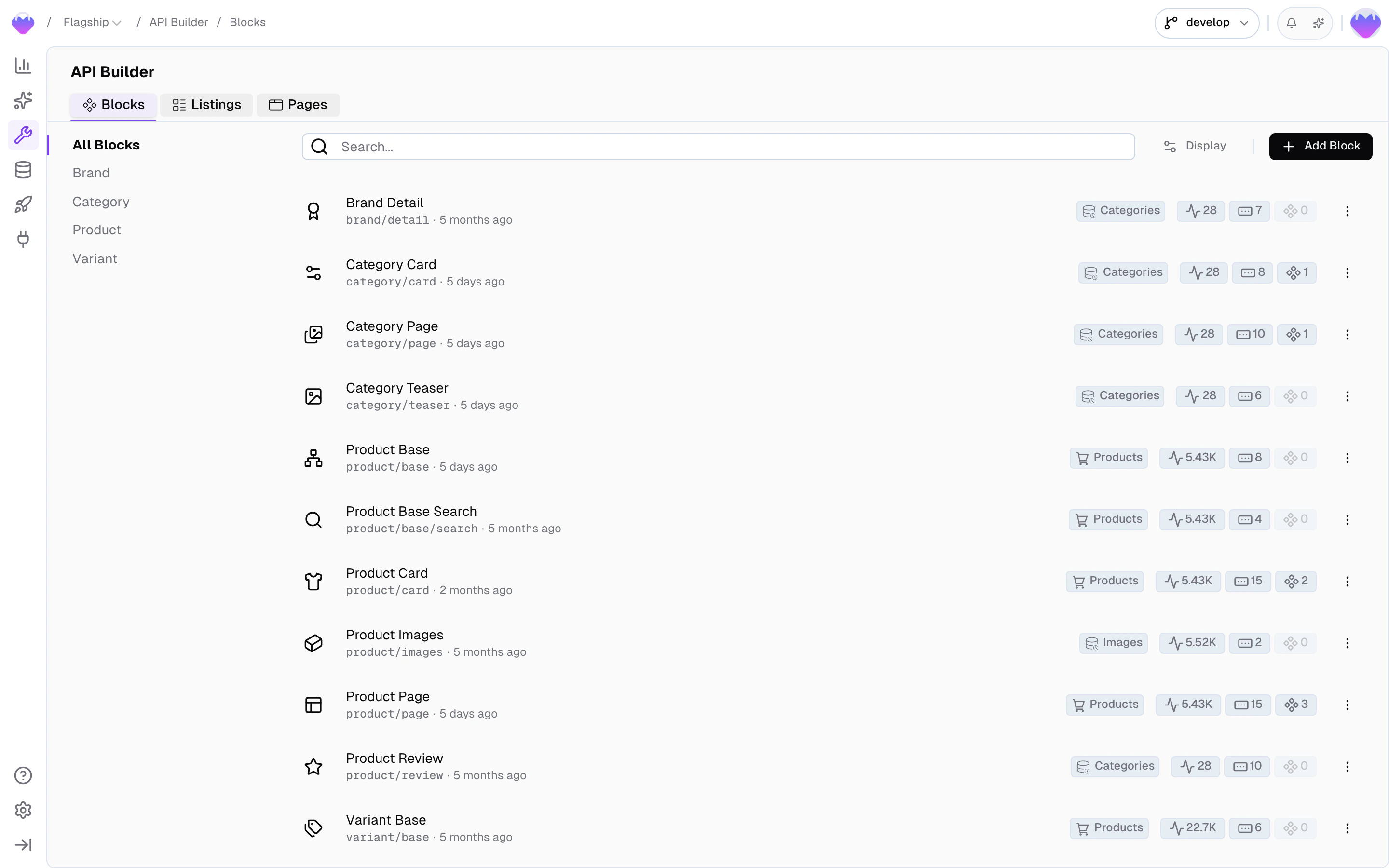
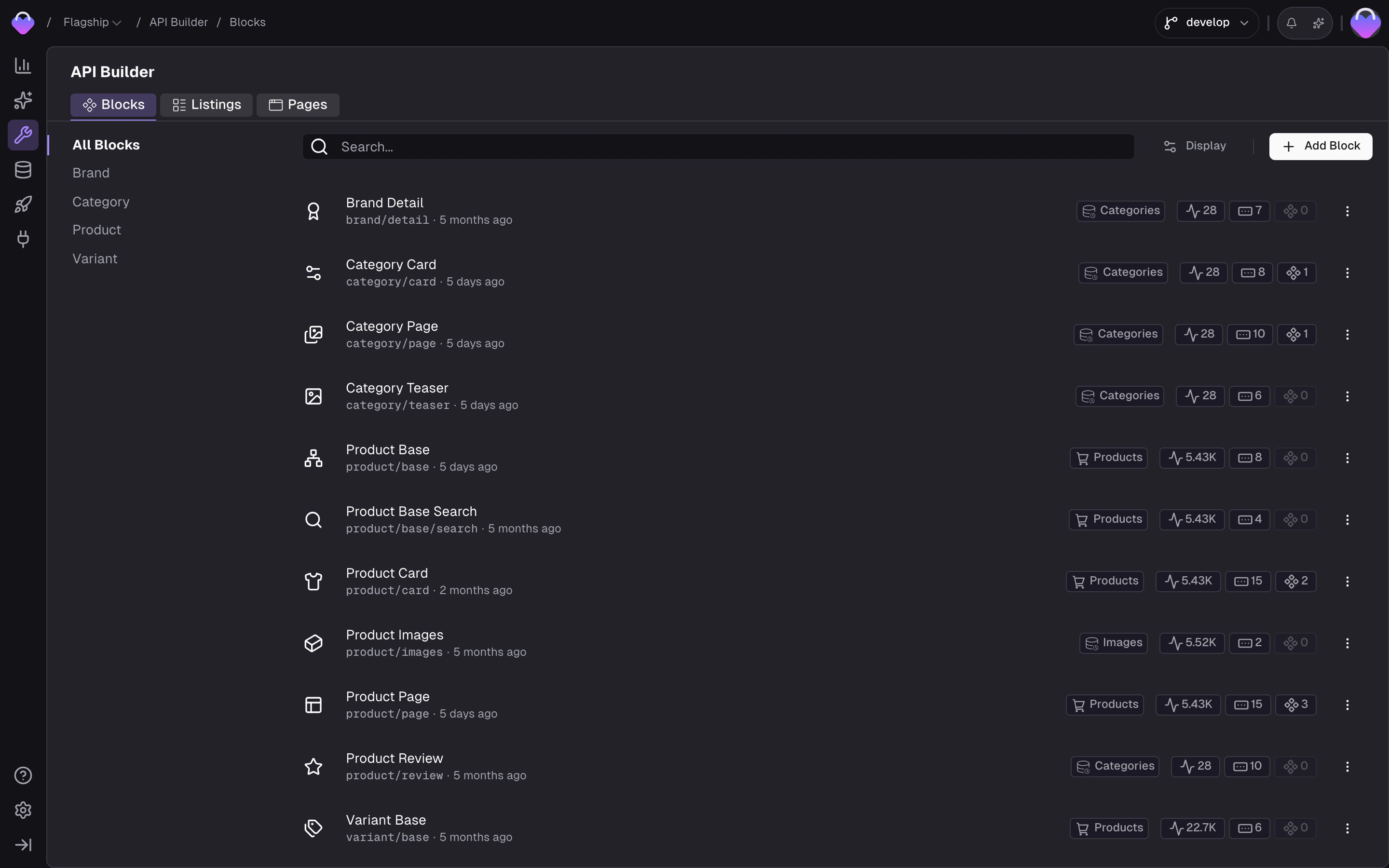
API Builder - Detail Blocks and Search Listings in the admin app
The primitives
Detail Blocks
What fields does this component need? An API endpoint that returns
the exact data one UI component needs - reusable, parameterized, nestable.
Search Listings
How do I query a collection? Filtering, sorting, full-text search,
pagination, and facets - each item shaped like a block.
Page URLs
What renders at this URL? Ties a URL pattern to a Detail Block so
your router resolves content in a single request.
Menu Trees (Preview)
What’s the hierarchy? Returns records as a tree - navigation menus,
category hierarchies, anything with a parent/child structure.
How they compose
Define a Block for each UI component
A Detail Block is an API endpoint shaped like a component. You
define a
ProductCard block with a schema that returns exactly the
fields that component renders - image, title, price, badges, CTA
text. The block connects to a Data Storage and describes which
fields map into its response shape.Define a Listing that returns block-shaped items
A Search Listing returns a collection of items, each shaped like
a block. A
ProductListing listing takes a category filter
parameter and returns a list of ProductCard-shaped items, with
facets and pagination attached. Listings handle the query layer -
filter, sort, search, paginate - and delegate the per-item shape to
the block from the previous step.Define a Page to wire it all to URLs
A Page URL ties a URL pattern to a single Detail Block. A
Product Detail page binds /products/{slug} to the ProductCard
block - each URL resolves to exactly one record, and the same block
schema your grid uses also drives the detail view. The response
includes the page type and the matching data, so your frontend
router can pick the right component and render it straight away.
The block itself can nest a ProductListing (e.g. related products)
when the page needs collections.Request Context
Every Detail Block, Search Listing, and Page URL response is shaped by the caller’s request context. That means one block can serve many markets, many audiences, and many languages from a single definition. Request context is a combination of three values that together tell the backend who’s asking:Scope
The audience variant - B2B vs. B2C, different brands, wholesale vs. retail.
Region
The geography - which locales are supported, which currency applies.
Locale
The language (
en, de, fr) - translatable fields return the matching variant.Where context comes from
Your project maps domains (or paths) toscope + region + locale combinations in Project Settings → Domains. Pass the domain as contextDomain and Frontic resolves the matching context automatically.
- Client SDK
- Nuxt Module
Why this matters
- A
ProductListinglisting in the German domain returns the German product catalog in EUR with German copy - without market-specific code. - A
ProductCardblock in a B2B scope returns B2B-specific images, descriptions, and pricing for the same product - without a separate B2B block. - A Page at
/products/:slugresolves to different URLs and different records in every domain - without duplicate route definitions.
Handle context keys
Every response includes acontextKey in the fs-context header. This key tracks the session’s context settings - scope, region, locale - and lets overrides survive across requests.
- No key sent → Frontic generates a new one with the settings from the resolved domain and returns it in the response
- Your own key sent (any string, 36–50 characters) → Frontic persists it with the current context settings if it doesn’t exist yet, or loads the stored settings if it does
- Key sent on subsequent requests → Frontic applies the stored settings, even if they differ from the domain default
The Nuxt module does this for you:
it persists the key in a cookie and sends it on every call, so a switch through
useFronticContext reaches the next request without any wiring.Updating an existing contextKey
To change a visitor’s active locale or region without minting a new key, update the stored settings on the currentcontextKey - the Client SDK and the Nuxt module both expose methods for this so you don’t hand-craft the HTTP call. Every subsequent request using the same key reflects the change.
- Client SDK
- Nuxt Module
- A visitor opens a language selector and switches from
entode- update the key with the new locale. - A visitor picks a different market from a region dropdown (United States → Rest of Europe) - update the key with the new region; currency follows the region’s setting.
- A visitor updates their preferences on a profile screen - update whichever settings changed.
Missing or ambiguous context
If a request has nocontextDomain or the domain doesn’t match any configured mapping, Frontic falls back to the project’s default region and locale. A missing contextKey is never an error - Frontic creates a new one automatically. An unknown key is treated the same way: persisted as a fresh context with the current domain settings. The only invalid key is one that doesn’t meet the format requirements (36–50 characters).
API Playground
Preview - the API Playground is in early access. It runs against your live backend today, but the UI and feature set are still settling before general availability. Reach out if you want to try it.
develop, preview, or public) to target, lets you configure headers (fs-version, fs-secret, fs-domain, fs-context), and generates ready-to-use code snippets from your current configuration. A resource sheet in the dialog header lets you swap between primitives - pages, blocks, listings, and trees - without closing and reopening. See Detail Blocks, Search Listings, Menu Trees, and Page URLs for the full details.
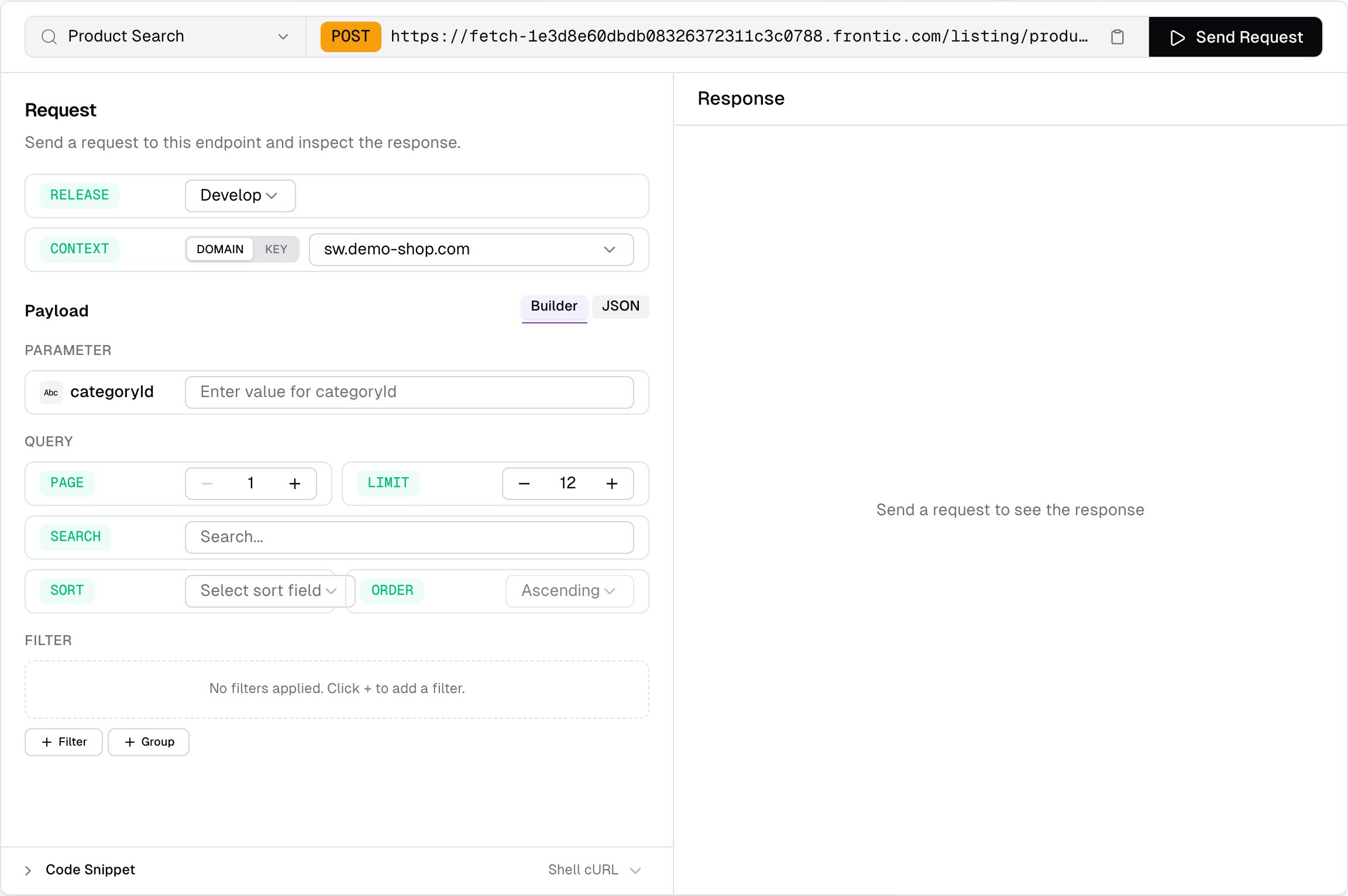
API Playground - testing a Search Listing with filters and context
Shipped through Releases
Changes to blocks, listings, and pages flow through Releases alongside Data Storage schema changes, Data Sync changes, and project settings. You don’t ship API changes piecemeal - you bundle everything that changed into a release and roll it out together, with preview and rollback.Where to go next
Build a Block
Schema, parameters, storage connection, nesting - everything blocks can do.
Build a Listing
Filters, sorts, search, facets, and pagination.
Build a Page
Routing, URL patterns, localization, error handling.