

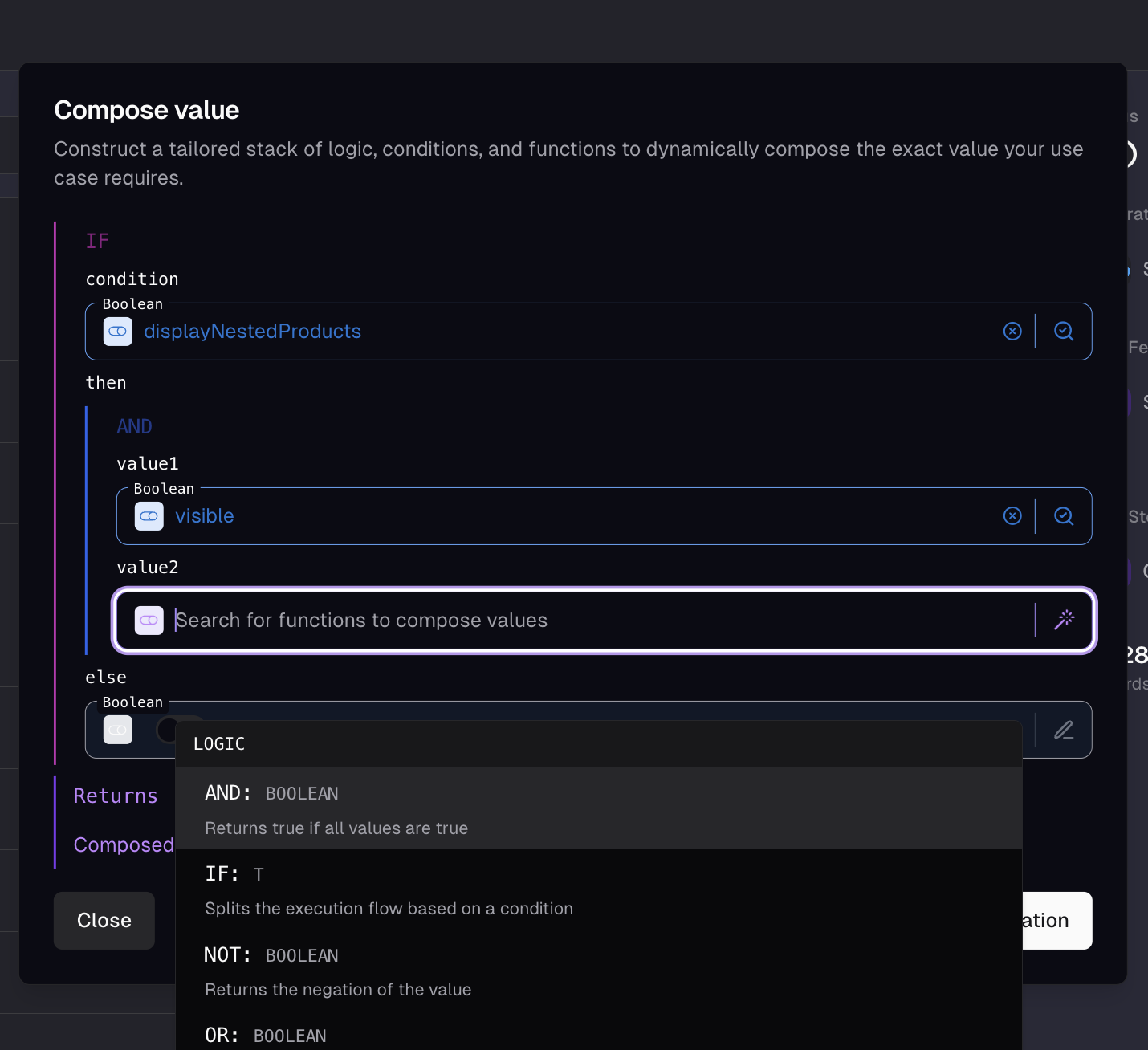
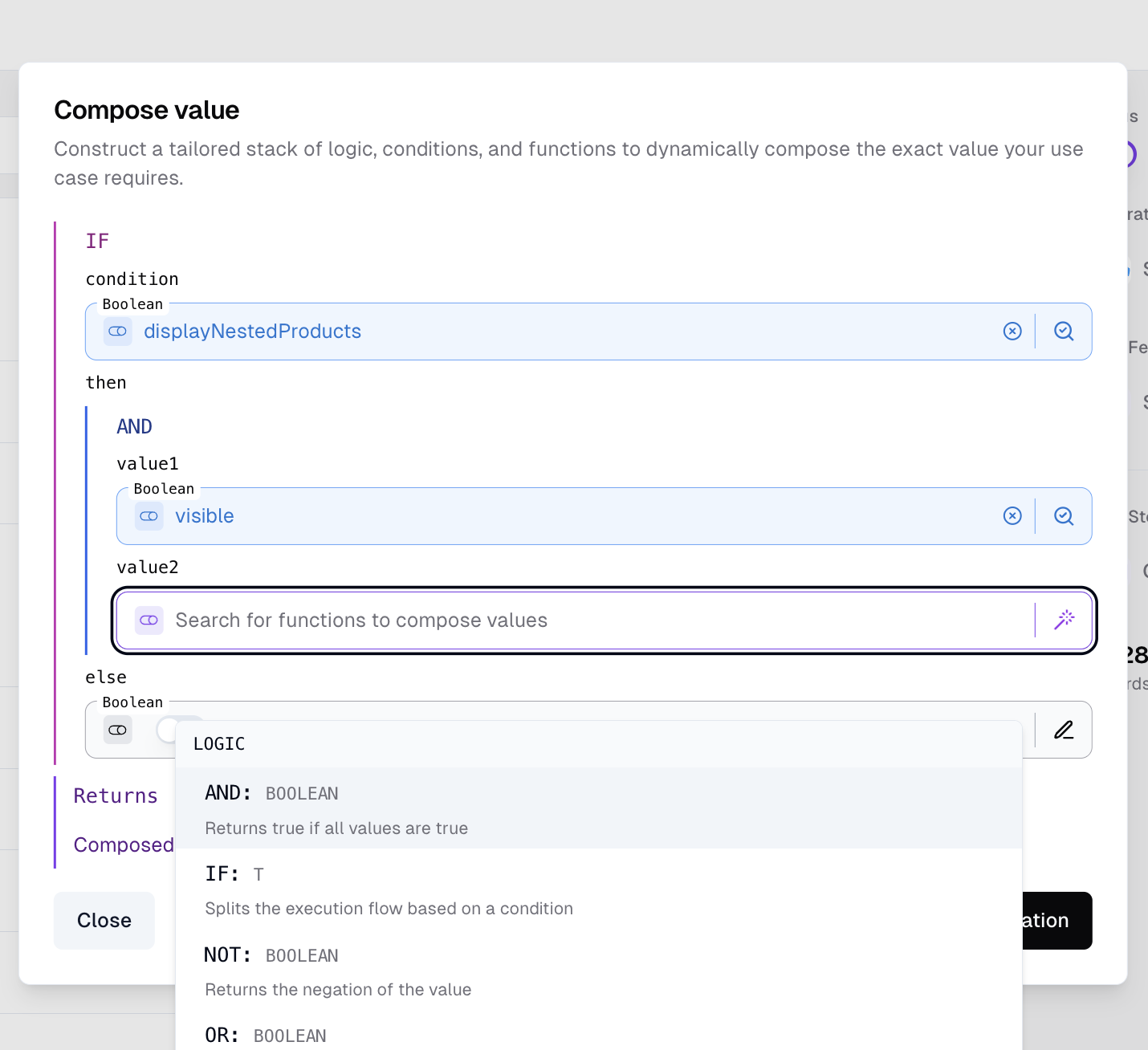
Value Composer in the Data Feed merge step
How operations are configured
A composer slot is a JSON object with asource discriminator. There are three sources you’ll work with:
Putting it together - a
concat of vendor.name + - + name, the JSON the admin UI emits:
if whose then is a concat of two static values, a map whose mapFunction is a get on $item, and so on. The catalogue below documents the parameter names and types each operation expects.
Type compatibility
Every slot has a known output type, and operations declare what they accept:- Concrete types (
number,string,boolean,array,object) - the input slot must produce that exact type, or the configuration is invalid. - Type markers (
T,K,V) - polymorphic placeholders. The first input that fills a marker fixes the type for every other slot using the same marker. For example,equals(value: T, compare: T)accepts any type as long asvalueandcompareagree - fillvaluewith a string andcompareis constrained to strings too.
toString / toNumber / toBoolean so the conversion is part of the chain. See Error handling for what happens when something does slip through.
Operations
Array Operations
count
Returns the number of elements in an array.
number
filter
Returns an array of all elements that satisfy a condition. Access each element of the array with the $item variable.
array<T>
findFirst
Finds and returns the first element of an array that satisfies a condition. Access each element of the array with the $item variable.
T
first
Returns the first element of an array.
T
flatMap
Applies a function to each element of an array, flattens and returns the resulting array. Access each element of the array with the $item variable.
array
join
Joins an array of strings into a single string.
string
map
Applies a function to each element of an array and returns the resulting array. Access each element of the array with the $item variable.
array
merge
Merges an array of scalar values together.
array
slice
Extracts a portion of an array.
array
split
Splits a string into an array of strings given a separator.
array
unique
Removes duplicate values from a scalar array.
array
Comparison Operations
equals
Compares two values.
boolean
greaterThan
Compares two values and returns true if the first is greater than the second.
boolean
isEmpty
Returns whether a value is empty.
boolean
isNull
Returns whether a value is NULL.
boolean
isScalar
Returns whether a value is a scalar (i.e. not an object or array).
boolean
Logic Operations
and
Returns true if all values are true.
boolean
if
Splits the execution flow based on a condition.
T
not
Returns the negation of the value.
boolean
or
Returns true if at least one value is true.
boolean
xor
Returns true if exactly one value is true.
boolean
Math Operations
divide
Divides two numbers (i.e. $numerator / $denominator).
number
exponent
Calculates the exponentiation of a number by another number (base^exponent).
number
multiply
Multiplies two numbers.
number
round
Rounds a number with given significant decimal places.
number
Object Operations
get
Accesses a value of an object field with the given key.
T
object
Handles an object composition by resolving its properties.
object
Text Operations
concat
Concatenates two strings.
string
contains
Checks if a string contains another string with optional case sensitivity.
boolean
length
Returns the number of characters in a string.
number
md5
Hashes a string with the MD5 algorithm.
string
padLeft
Pads a string to the left.
string
padRight
Pads a string to the right.
string
replace
Replaces a value in a string.
string
slugify
Converts a string to a slug with no spaces or special characters.
string
substring
Extracts a substring from a string.
string
toLower
Converts a string to lowercase.
string
toUpper
Converts a string to uppercase.
string
trim
Trims whitespace from the beginning and end of a string.
string
Transform Operations
toBoolean
Converts a value to a boolean.
boolean
toNumber
Converts a value to a number. NULL is converted to 0.
number
toString
Converts a value to a string. NULL is converted to an empty string.
string
Utilities Operations
randomBoolean
Returns a random boolean. Set probability (0-100) to control how often true is returned.
boolean
randomNumber
Returns a random number between min and max. Set precision to 0 for integers, or higher for decimals (e.g. 2 produces values like 3.14).
number
Error handling
The composer is strict about types and forgiving about absence:- Missing fields and keys resolve to
null. Adata-fieldslot pointing at a path that doesn’t exist on the current record returnsnull.getagainst a missing key returnsnull. The chain continues withnullflowing through. nullinputs are absorbed where it makes sense. Per-operation handling, not a global rule:concatcoalescesnullinputs to empty strings.filter,map, and other array operations coalesce anullarray input to[]and return an empty array.getagainst anullobject returnsnull.findFirstagainst an empty array returnsnull.
- Type mismatches throw. Operations don’t implicitly coerce - passing a number into a string slot, or a non-array into
filter’sarrayparameter, raises a runtime error and fails the sync. Use explicittoString/toNumber/toBooleanwhen you need a cast, so the conversion is visible in the chain. - Math has guard rails.
divideraises a runtime error on a zero denominator instead of producingInfinityorNaN. - Iteration context has a limit.
filterandmappopulate$item(and$parentwhen nested one level). Three or more nesting levels aren’t supported and raise a runtime error - flatten withflatMapinstead.
null or fails outright, the debugger pinpoints which operation introduced it. Use it before the configuration runs against real sync data.
Configuration errors that the type system can catch - an invalid operation type, a slot whose output can’t satisfy the parent’s expected type, a missing required parameter - show as inline validation on the affected slot in the admin UI; the configuration won’t save until they’re resolved. Backend resolution carries equivalent runtime checks as a backstop, raising explicit exceptions if an invalid configuration somehow reaches it.