The Akeneo connector syncs your PIM’s product catalog and category tree into Frontic. Akeneo’s product models become parent products, individual products become variants, and the connector pre-resolves attribute values, currencies, and locales - so your Data Sync receives a normalized payload instead of raw PIM structures.
Akeneo product models as parent records, individual products as variants - with attributes, families, and prices pre-resolved.
Categories
Power category pages, attach category context to other records, drive navigation.
The Akeneo connector follows the standard integration model - see how integrations work for Connection, Channels, and Data Feeds. This page covers the Akeneo-specific configuration and data shape.
Your Akeneo instance URL, e.g. https://my-pim.cloud.akeneo.com.
Connect via Connection
Prepare Akeneo Connection
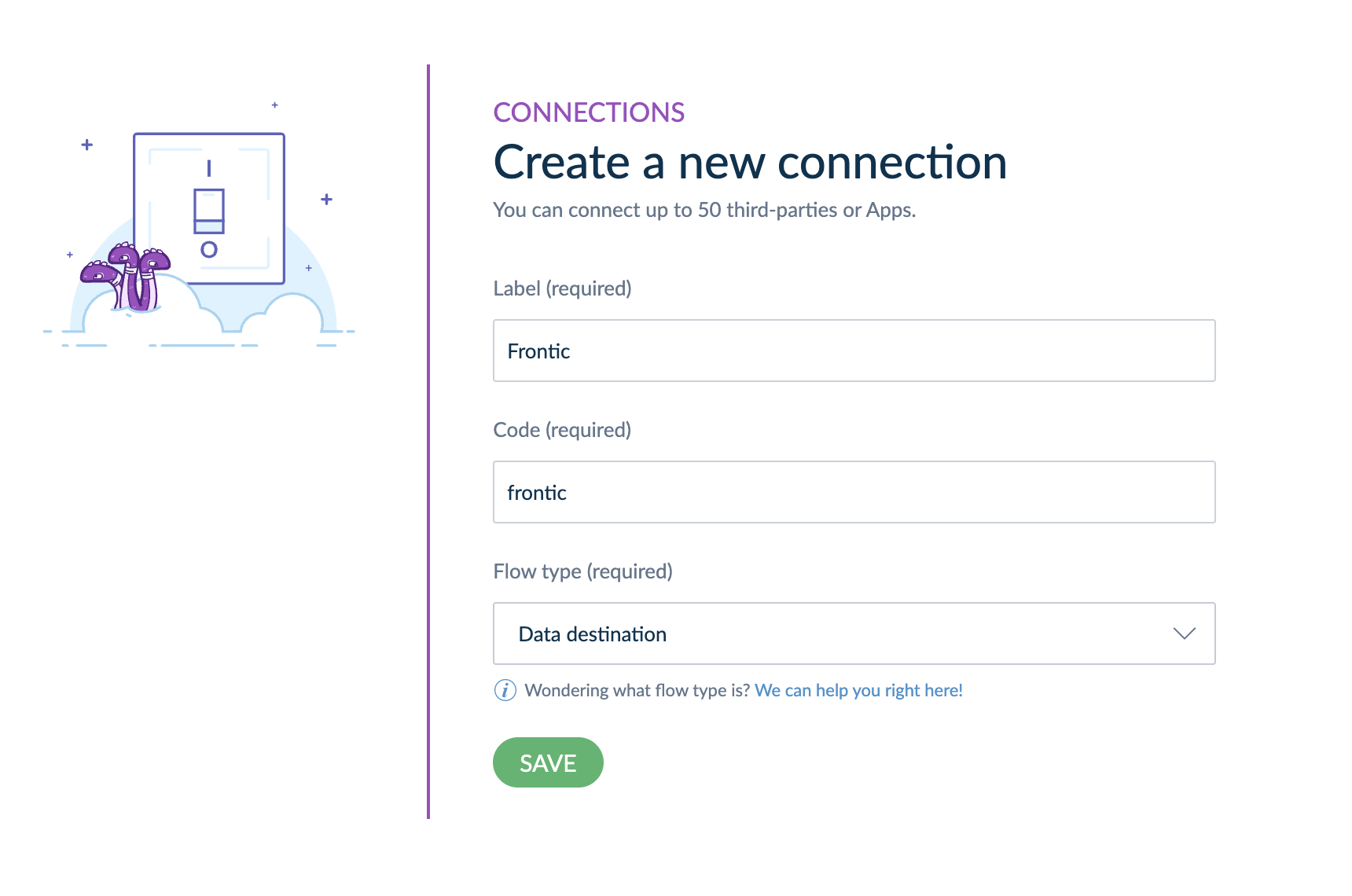
In your Akeneo interface, navigate to Connect → Connection Settings and use the Create button to add a new API connection.Set up the connection like this (especially choosing Data destination as the Flow type):
Frontic admin - Akeneo Connection basic setup information
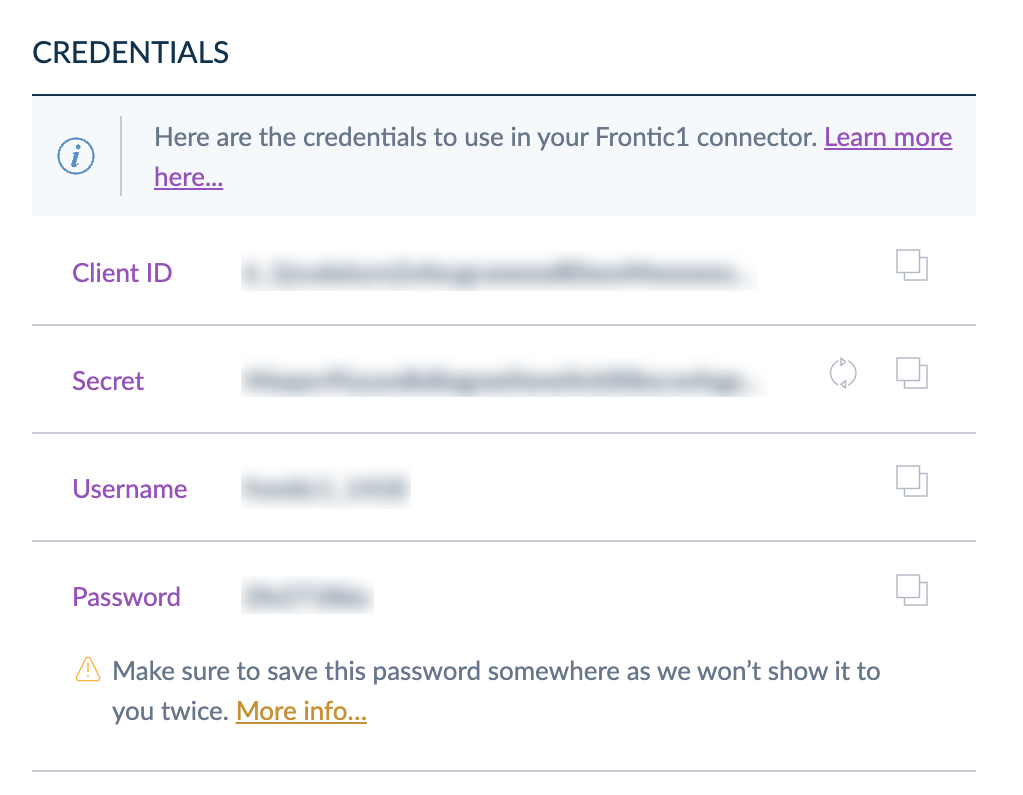
Copy the Connection credentials on the page, you will need them to setup the Frontic integration.
Frontic admin - Akeneo Connection Credentials
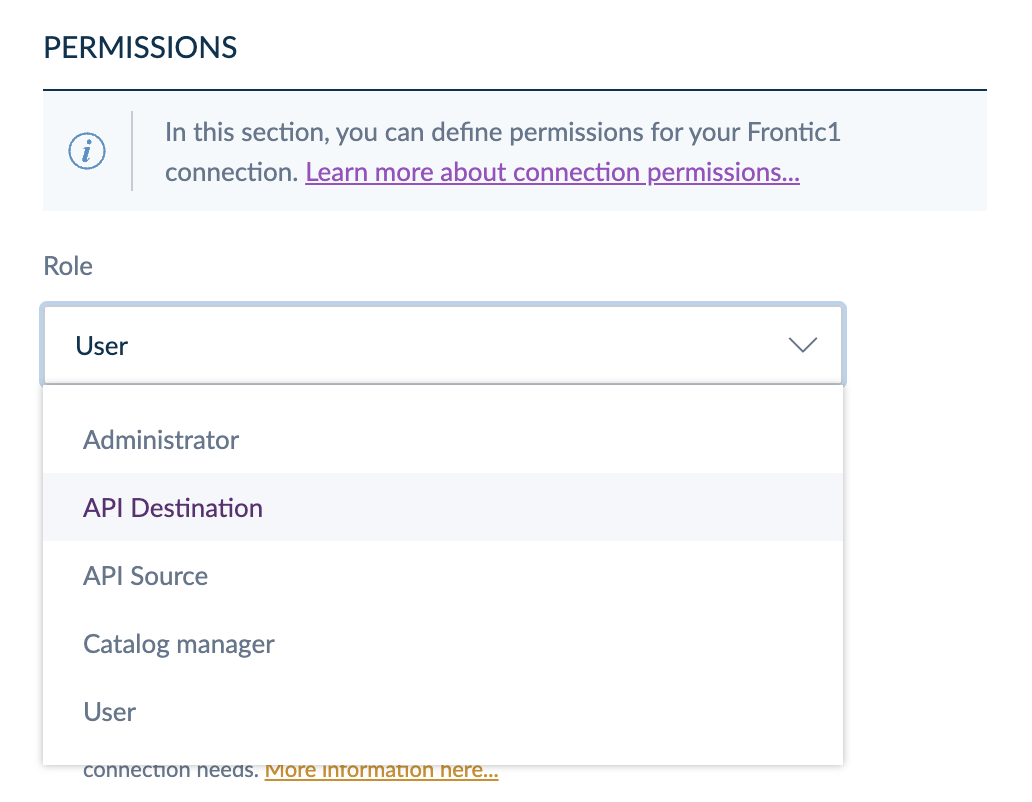
Afterwards, make sure to configure the Akeneo Integration with the role of API Destination.
Frontic admin - Akeneo Connection Permissions
Use this to connect your Akeneo instance via a Connection configuration in Akeneo. Use this if you don’t (or can’t) install the Frontic Akeneo App.
An Akeneo API connection token. Given after installing the Frontic Akeneo App from the Akeneo App Marketplace - Frontic uses this to authenticate against the Akeneo REST API.
Akeneo Enterprise app permissions and locale alignment. On Akeneo Enterprise instances, the connection’s app permissions limit which locales it’s allowed to read. The locale dropdown in Frontic shows all of Akeneo’s enabled locales - not the subset your connection is authorised for. If you pick a locale the connection can’t read, the API rejects the request at sync time and the feed errors mid-run.Before saving the channel, open Connect → Connection settings → Permissions in Akeneo and confirm the connection has at least the same locales selected as the channel will pull. The two lists should match 1:1 - match what’s in Frontic to what the connection is allowed to read, not the other way around.
The connection populates the channel’s currency dropdown from Akeneo’s enabled currencies (with their enabled flag respected).
Akeneo’s identifier field is what Frontic uses as the record key on both sides of the parent/variant divide - for product models, it’s the model code; for individual products, it’s the product identifier (typically the SKU). Treat the SKU as the stable lookup key when configuring blocks, listings, and slugs that point at variant records.
Akeneo’s product models become parent records; the individual products underneath become variants linked via parentId. Standalone products (no model) are emitted twice on purpose - once as a parent and once as a self-referencing variant - so a product with no variants still has a record on each side of the parent/variant divide. Same convention as Shopware and the Custom integration.
Akeneo attributes don’t all play the same role: some define variants (size, colour, material - the things customers pick from), others describe the product (ingredients, dimensions, care instructions). The connector’s attribute extractor splits them apart and stamps each list onto the feed record under the reserved $-prefix namespace:
$options - variant-defining attributes, normalized into a single list per record
$properties - descriptive attributes that don’t drive variant selection
Map either list straight into your storage’s Option and property fields in the Value Composer, instead of re-deriving them from Akeneo’s raw values structures.
Read-only. The Akeneo connector pulls from Akeneo; it doesn’t push back. Catalog edits happen in Akeneo.
Reserved $-prefix keys. The connector emits $options and $properties on every product record. Don’t use $-prefixed keys for your own custom attributes - Frontic reserves that namespace for connector-side normalization.