> ## Documentation Index
> Fetch the complete documentation index at: https://docs.frontic.com/llms.txt
> Use this file to discover all available pages before exploring further.
# Overview
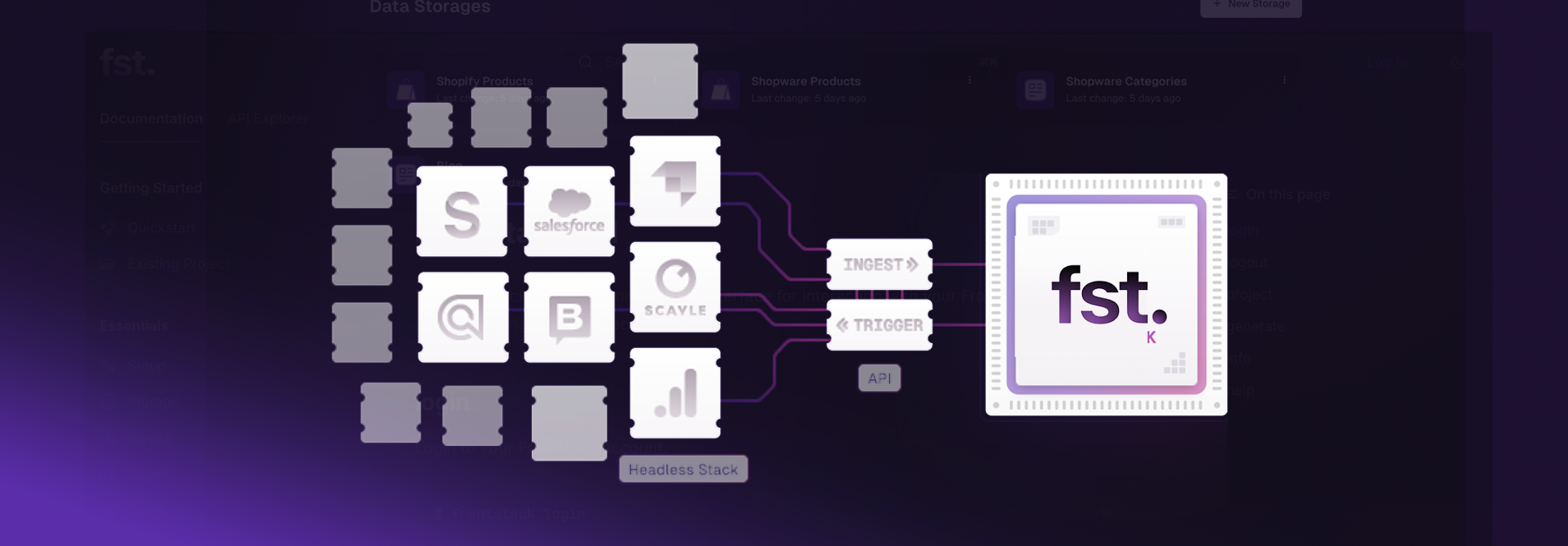
The Ingest API powers data ingestion in your Frontic project. Pre-built connectors automatically use this API to process updates from your data pipeline into your [Data Feeds](/data-integration/ingest#data-feeds).
For scenarios where you need more control or when a pre-built connector isn't available, you can directly interact with the Ingest API through a [Custom Integration](/connectors/custom).
 ## Base URL
Each integration has a unique Ingest API URL. Find yours in the admin app under integration settings.
```
https://ingest-{integration-id}.frontic.com
```
All record-level routes are prefixed with `/ingest/`, so the full URL pattern for a feed call is `https://ingest-{integration-id}.frontic.com/ingest/{feed-id}/{action}`.
## Authentication
All requests to the Ingest API require an API key.
### Create an Ingest API key
In the admin app, open **Settings → Secrets**, click **Add API Key**, and select **Ingest API**. The key shows once on creation — copy it into your secret store before navigating away. You can create multiple keys (one per integration / environment) and rotate them independently.
Your Frontic Ingest API key. Include this header on every request to the Ingest API.
```bash Example theme={"theme":"css-variables"}
curl -X POST https://ingest-{integration-id}.frontic.com/ingest/{feed-id}/upsert \
-H "Authorization: YOUR_API_KEY" \
-H "Content-Type: application/json" \
-d '{"id": "product-123", "name": "Example"}'
```
When the `Authorization` header isn't an option (e.g. webhook callers that only support fixed URLs), you can pass the key as the `apiKey` query parameter instead:
```
https://ingest-{integration-id}.frontic.com/ingest/{feed-id}/upsert?apiKey=YOUR_API_KEY
```
Prefer the header — query-string secrets get logged by proxies, browsers, and analytics. Only use the query parameter when the header path isn't available.
## Available Endpoints
Two interaction modes exist:
* **Push intents** — your system sends data into Frontic. Use these when you control the source and want to push changes as they happen. Available: [Upsert](/reference/ingest-api/upsert), [Patch](/reference/ingest-api/patch), [Delete](/reference/ingest-api/delete).
* **Trigger intents** — your system signals Frontic to pull data, and Frontic uses the integration's connector logic to fetch the actual records. Useful for webhook flows where the source can notify changes but expects Frontic to do the fetch. Available: [Trigger Fetch](/reference/ingest-api/fetch), [Trigger Fetch List](/reference/ingest-api/fetch-list). Requires the Data Feed to be configured with method **trigger** or **polling** rather than **ingest**.
Create or replace a record (push)
Incrementally update a record (push)
Remove records from your feed (push)
Signal Frontic to pull a single record (trigger)
Signal Frontic to pull a list of records (trigger)
### Generic intent endpoint
The verb-specific routes above are convenience shortcuts. Frontic also exposes a generic endpoint that accepts any intent as part of the path:
```
POST /ingest/{feed-id}/{intent}
```
Where `{intent}` is one of `upsert`, `patch`, `delete`, `fetch`, or `fetch-list`. The behaviour matches the corresponding shortcut. Most callers should use the verb-specific routes — the generic endpoint is for tooling that builds the intent dynamically.
## Response Format
All endpoints return a JSON response containing a correlation ID:
```json theme={"theme":"css-variables"}
{
"correlation-id": "22c8f6f9-2a62-4e18-81a5-33c207dd967d"
}
```
Unique identifier to track this data change through Frontic's processing pipeline. Save this ID if you need to debug or inquire about a specific operation.
### Errors
Endpoints may return errors for your requests. Those are identified with additional fields:
Error code from Frontic. Can be used to inquire about the error.
Error information from Frontic. Can indicate the issue.
Error details from Frontic. Can indicate a specific field or value that is relevant for the error.
## Error Handling
Your API key is missing or invalid. Ensure you're passing the correct key in the `Authorization` header.
The request body is missing required fields. Check that your JSON request body includes the `id` field.
The specified feed ID doesn't exist. Verify the feed ID in your request URL.
Response body gives error codes:
* `invalid_payload` - Invalid payload (e.g. malformed JSON)
* `invalid_intent` - Unknown intent (should be one of `upsert`, `patch`, `delete`, `fetch` or `fetch-list`)
You've exceeded the rate limit. Wait before retrying. See [Limits](/admin/limits) for more information.
## Base URL
Each integration has a unique Ingest API URL. Find yours in the admin app under integration settings.
```
https://ingest-{integration-id}.frontic.com
```
All record-level routes are prefixed with `/ingest/`, so the full URL pattern for a feed call is `https://ingest-{integration-id}.frontic.com/ingest/{feed-id}/{action}`.
## Authentication
All requests to the Ingest API require an API key.
### Create an Ingest API key
In the admin app, open **Settings → Secrets**, click **Add API Key**, and select **Ingest API**. The key shows once on creation — copy it into your secret store before navigating away. You can create multiple keys (one per integration / environment) and rotate them independently.
Your Frontic Ingest API key. Include this header on every request to the Ingest API.
```bash Example theme={"theme":"css-variables"}
curl -X POST https://ingest-{integration-id}.frontic.com/ingest/{feed-id}/upsert \
-H "Authorization: YOUR_API_KEY" \
-H "Content-Type: application/json" \
-d '{"id": "product-123", "name": "Example"}'
```
When the `Authorization` header isn't an option (e.g. webhook callers that only support fixed URLs), you can pass the key as the `apiKey` query parameter instead:
```
https://ingest-{integration-id}.frontic.com/ingest/{feed-id}/upsert?apiKey=YOUR_API_KEY
```
Prefer the header — query-string secrets get logged by proxies, browsers, and analytics. Only use the query parameter when the header path isn't available.
## Available Endpoints
Two interaction modes exist:
* **Push intents** — your system sends data into Frontic. Use these when you control the source and want to push changes as they happen. Available: [Upsert](/reference/ingest-api/upsert), [Patch](/reference/ingest-api/patch), [Delete](/reference/ingest-api/delete).
* **Trigger intents** — your system signals Frontic to pull data, and Frontic uses the integration's connector logic to fetch the actual records. Useful for webhook flows where the source can notify changes but expects Frontic to do the fetch. Available: [Trigger Fetch](/reference/ingest-api/fetch), [Trigger Fetch List](/reference/ingest-api/fetch-list). Requires the Data Feed to be configured with method **trigger** or **polling** rather than **ingest**.
Create or replace a record (push)
Incrementally update a record (push)
Remove records from your feed (push)
Signal Frontic to pull a single record (trigger)
Signal Frontic to pull a list of records (trigger)
### Generic intent endpoint
The verb-specific routes above are convenience shortcuts. Frontic also exposes a generic endpoint that accepts any intent as part of the path:
```
POST /ingest/{feed-id}/{intent}
```
Where `{intent}` is one of `upsert`, `patch`, `delete`, `fetch`, or `fetch-list`. The behaviour matches the corresponding shortcut. Most callers should use the verb-specific routes — the generic endpoint is for tooling that builds the intent dynamically.
## Response Format
All endpoints return a JSON response containing a correlation ID:
```json theme={"theme":"css-variables"}
{
"correlation-id": "22c8f6f9-2a62-4e18-81a5-33c207dd967d"
}
```
Unique identifier to track this data change through Frontic's processing pipeline. Save this ID if you need to debug or inquire about a specific operation.
### Errors
Endpoints may return errors for your requests. Those are identified with additional fields:
Error code from Frontic. Can be used to inquire about the error.
Error information from Frontic. Can indicate the issue.
Error details from Frontic. Can indicate a specific field or value that is relevant for the error.
## Error Handling
Your API key is missing or invalid. Ensure you're passing the correct key in the `Authorization` header.
The request body is missing required fields. Check that your JSON request body includes the `id` field.
The specified feed ID doesn't exist. Verify the feed ID in your request URL.
Response body gives error codes:
* `invalid_payload` - Invalid payload (e.g. malformed JSON)
* `invalid_intent` - Unknown intent (should be one of `upsert`, `patch`, `delete`, `fetch` or `fetch-list`)
You've exceeded the rate limit. Wait before retrying. See [Limits](/admin/limits) for more information.