> ## Documentation Index
> Fetch the complete documentation index at: https://docs.frontic.com/llms.txt
> Use this file to discover all available pages before exploring further.
# General
A project is the container for one shopping experience — its data, its API surface, its releases, and its settings. This page covers creating a new project and the general settings that live at the project root.
## Create a project
From the [admin app](https://app.frontic.com), open **Settings → Projects** and click **Add Project**.
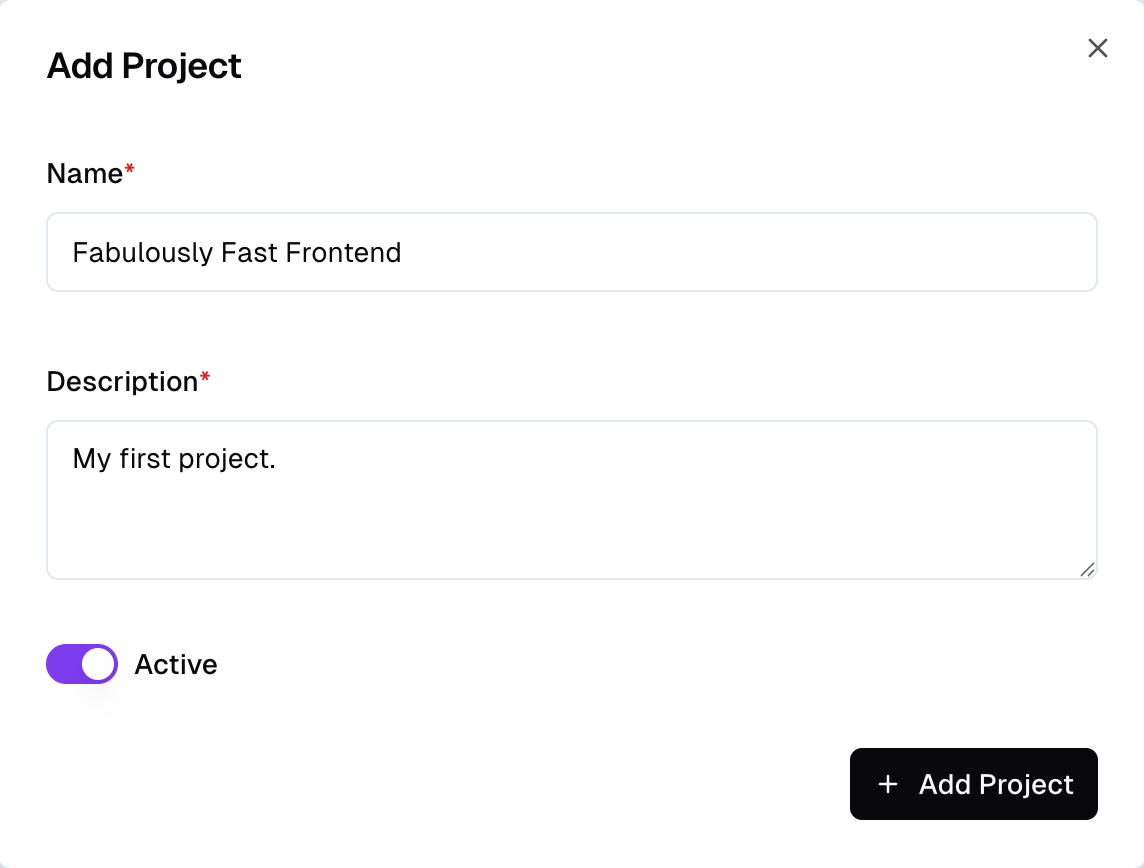
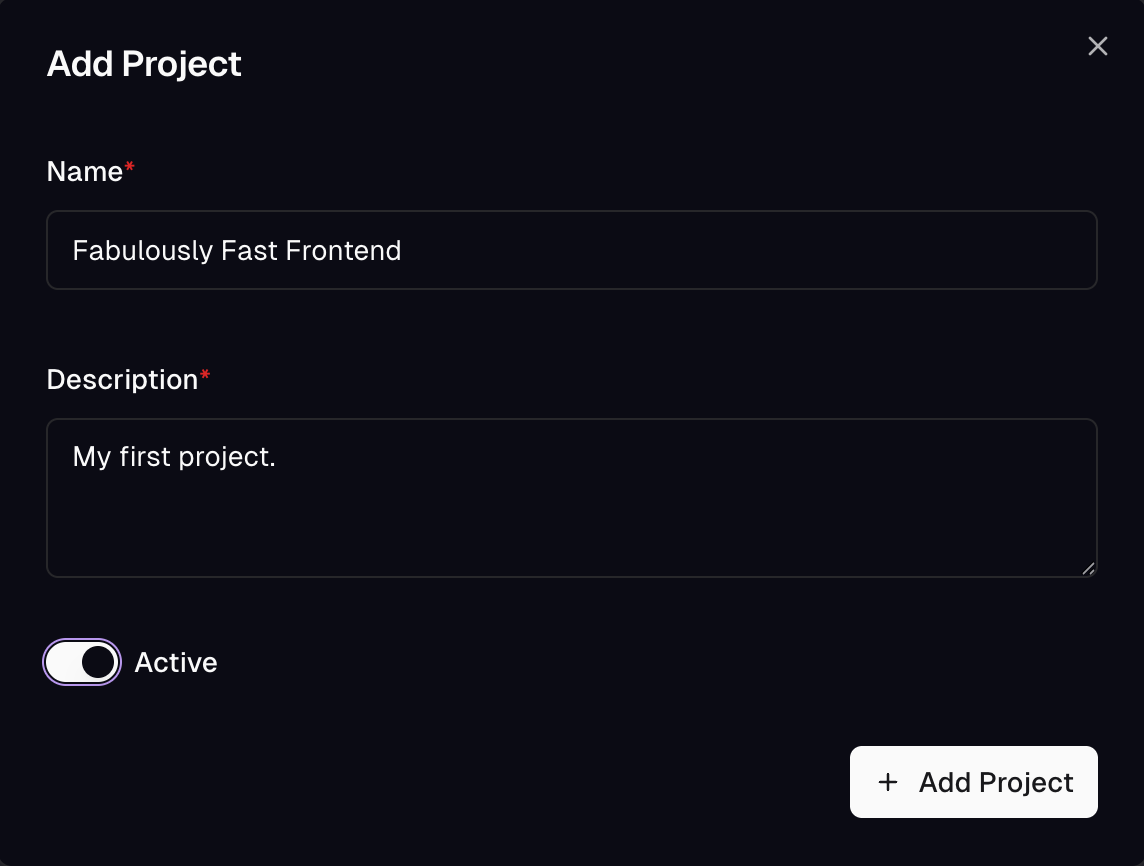 Give the project a name and a short description. Toggle **Active** on to start using it right away — the admin app switches to the new project automatically.
If you have access to more than one project, the active project is shown as the first item in the breadcrumb at the top of every page. Click it to open a dropdown listing your projects and switch with one click — grouped by organization when you belong to multiple. The project picker in the user menu (top-right) still works as before.
**When to create a new project:** pair each project with a codebase. The Client SDK generated for the project type-checks against that repo, Release Control aligns with the repo's deploy pipeline, and the GitHub integration assumes the same 1:1 pairing. Add a new project when you're starting a new codebase — not when you need another market, language, or brand inside an existing experience. Those compose inside the project via [regions](/project-settings/regions), [locales](/project-settings/locales), [domains](/project-settings/domains), and scopes.
## General settings
Every project has a small set of root-level settings that don't belong to a specific subsystem. You'll find them under **Settings → General**.
* **Name** — the human-readable project name shown in the picker and across the admin app.
* **Description** — a short sentence to help teammates recognize the project. Optional.
* **Active** — whether the project is active. Inactive projects are hidden from the picker by default and stop serving public traffic.
## What to configure next
General settings are intentionally thin — most of a project's configuration lives in dedicated sections:
Segmentation layers for the project — B2B vs B2C, multi-brand, and
the default `public` scope.
Geographic markets inside a scope, each with its own currency and
supported locales.
The language catalog every region picks from.
Map incoming URLs to a scope / region / locale triple.
Composites and enums you reference when declaring storage fields.
Plan limits that apply to the project.
Give the project a name and a short description. Toggle **Active** on to start using it right away — the admin app switches to the new project automatically.
If you have access to more than one project, the active project is shown as the first item in the breadcrumb at the top of every page. Click it to open a dropdown listing your projects and switch with one click — grouped by organization when you belong to multiple. The project picker in the user menu (top-right) still works as before.
**When to create a new project:** pair each project with a codebase. The Client SDK generated for the project type-checks against that repo, Release Control aligns with the repo's deploy pipeline, and the GitHub integration assumes the same 1:1 pairing. Add a new project when you're starting a new codebase — not when you need another market, language, or brand inside an existing experience. Those compose inside the project via [regions](/project-settings/regions), [locales](/project-settings/locales), [domains](/project-settings/domains), and scopes.
## General settings
Every project has a small set of root-level settings that don't belong to a specific subsystem. You'll find them under **Settings → General**.
* **Name** — the human-readable project name shown in the picker and across the admin app.
* **Description** — a short sentence to help teammates recognize the project. Optional.
* **Active** — whether the project is active. Inactive projects are hidden from the picker by default and stop serving public traffic.
## What to configure next
General settings are intentionally thin — most of a project's configuration lives in dedicated sections:
Segmentation layers for the project — B2B vs B2C, multi-brand, and
the default `public` scope.
Geographic markets inside a scope, each with its own currency and
supported locales.
The language catalog every region picks from.
Map incoming URLs to a scope / region / locale triple.
Composites and enums you reference when declaring storage fields.
Plan limits that apply to the project.